Every classroom, a connected learning space.
Interactive displays, lecture capture, hybrid learning studios, campus IPTV and signage, room booking and centralised AV monitoring — designed, installed, commissioned and supported by CaesarTechs for K-12, higher education and training academies across the Kingdom.
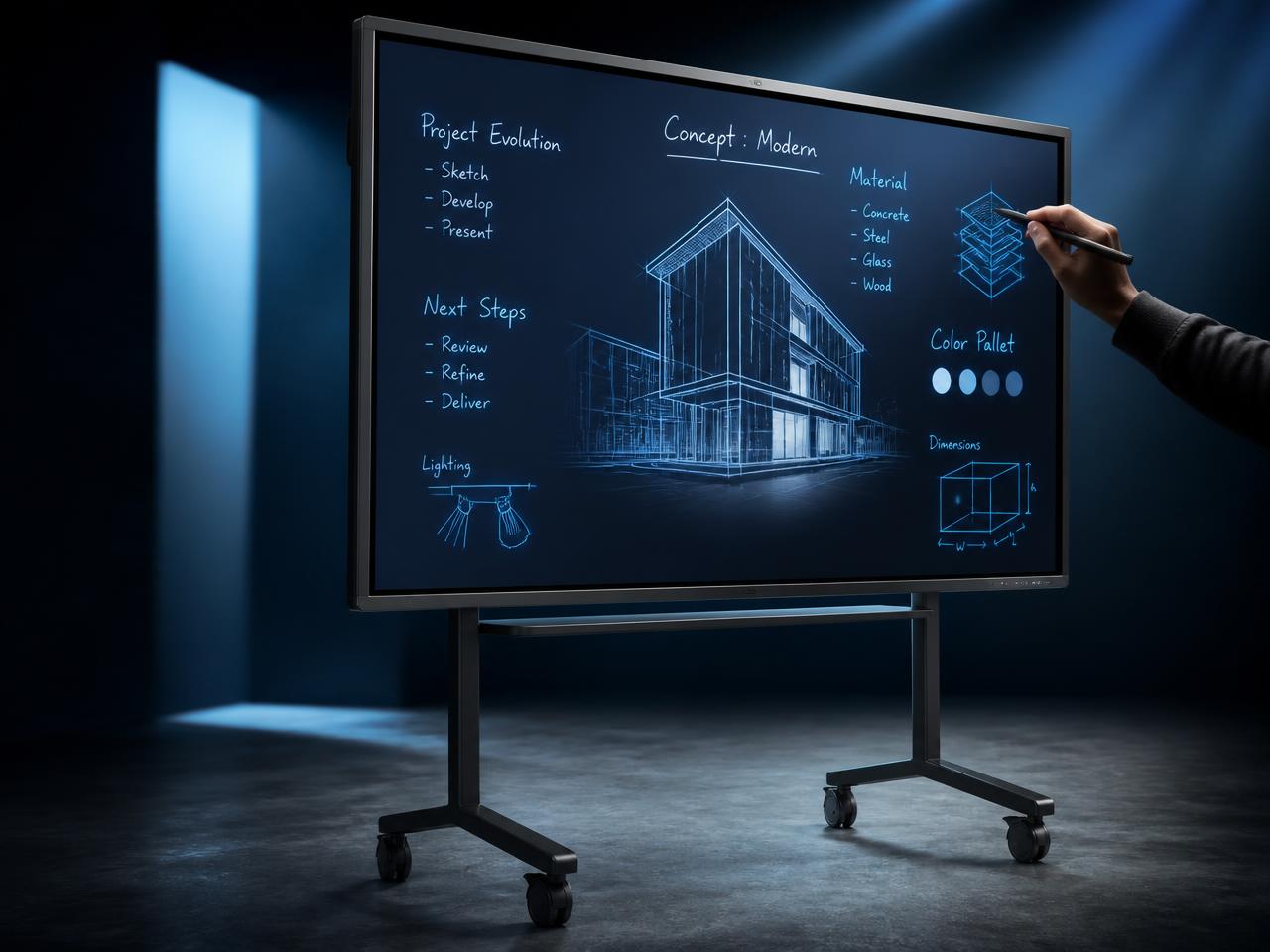
Samsung
Flip Pro
Turn the classroom into a collaborative canvas.
Configure the room. Watch the engineering respond.
Pick a room family and capacity — the twin recalculates depth, display size from the analytical viewing rule, audio strategy, camera coverage and the bill of materials in real time.
Single teaching wall, teacher-first control.
- 1 × 165" interactive flat panel
- Wireless BYOD presentation gateway
- Ceiling microphone array + front pair, DSP with AEC, voice lift
- Lecture capture encoder with LMS publishing
- Auto-framing tracking camera + rear audience camera
- Wall keypad + panel-level teacher UI
- Cloud device monitoring & health reporting
Try the board before it reaches the classroom.
This is the same interaction model our interactive flat panels deliver: sub-frame ink latency, palm rejection, highlighter and pen tools, instant erase and one-tap export of the annotated lesson to the class folder or LMS.
Draw on the board to begin the session.
Five environments. One engineering standard.
Smart classroom
An 86-inch interactive panel, wireless BYOD, ceiling voice lift and one wall keypad. The room wakes on occupancy and the teacher is presenting inside 30 seconds.
Lecture hall
Dual large-format image or a fine-pitch LED lecture wall, lectern confidence monitor, automixed microphones and automated capture into the LMS.
Hybrid learning studio
Auto-framing tracking cameras, audience mics and a producer-free workflow so remote learners see, hear and are heard exactly like the room.
Innovation & language lab
Multi-touch tables, per-station displays and AV-over-IP distribution — the instructor can push any station to the whole class in one tap.
Campus signage & IPTV
Wayfinding, prayer times, event boards, exam notices and live channel distribution across the campus from one scheduled CMS.
Everything a connected campus runs on.
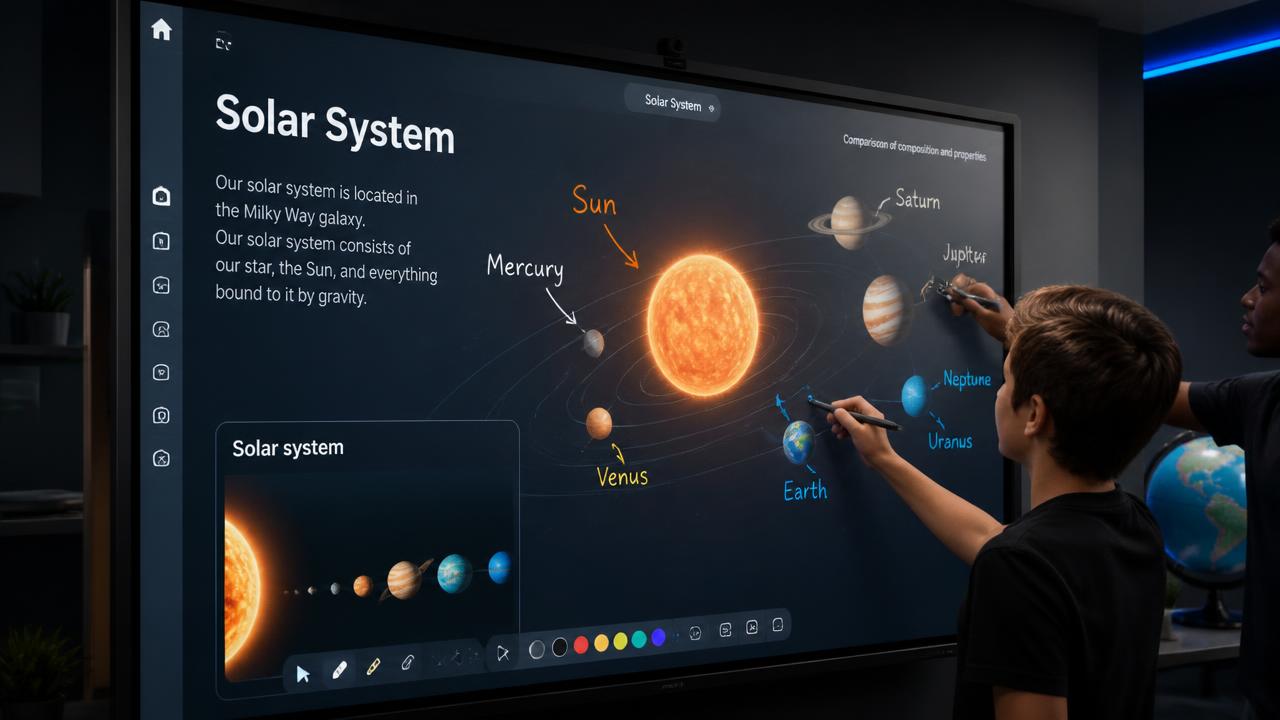
Interactive flat panels
65–98" 4K multi-touch with OPS slots and cloud-synced ink.
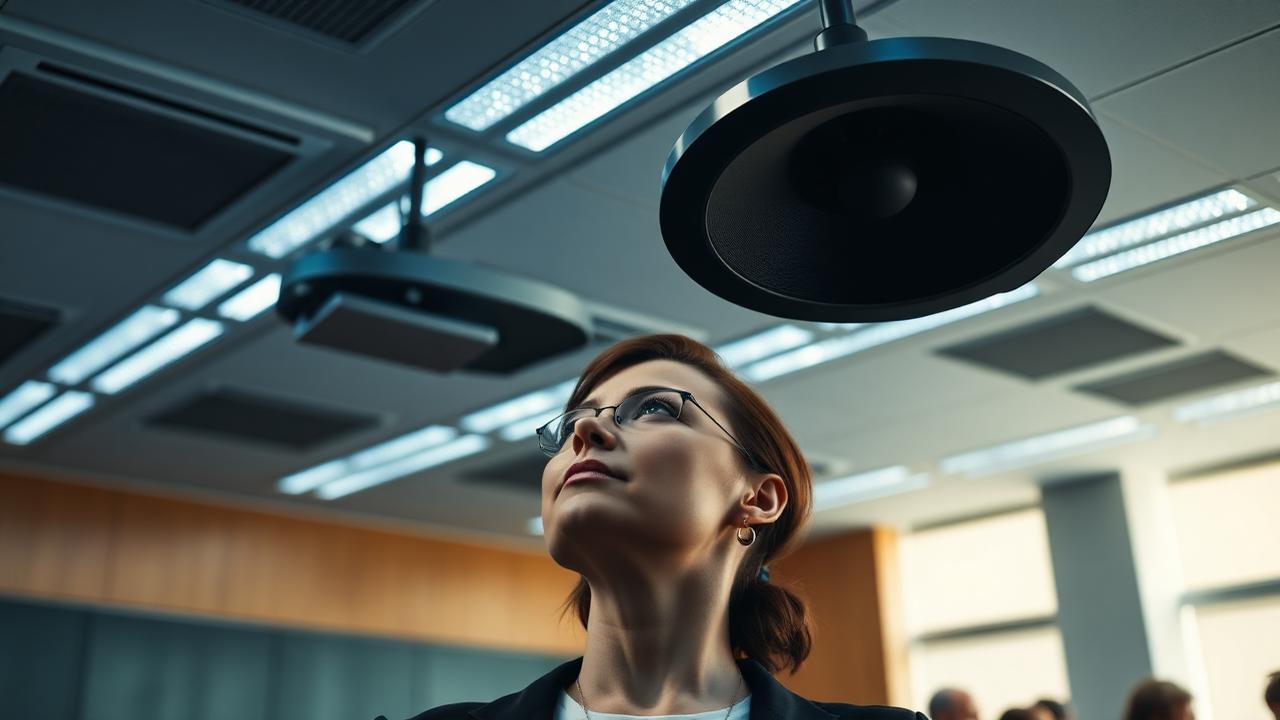
Classroom audio & voice lift
Ceiling arrays, DSP with AEC and intelligibility tuned to STI 0.60+.
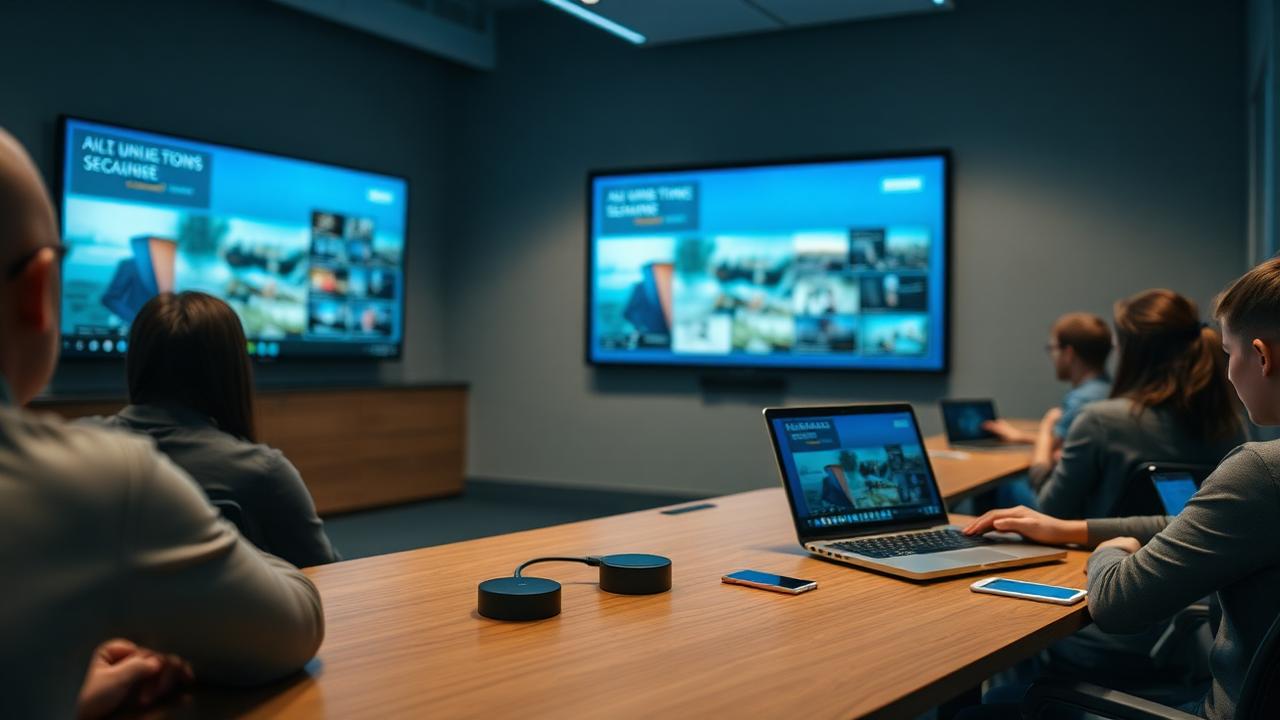
Wireless presentation
BYOD casting from any device with moderator control.
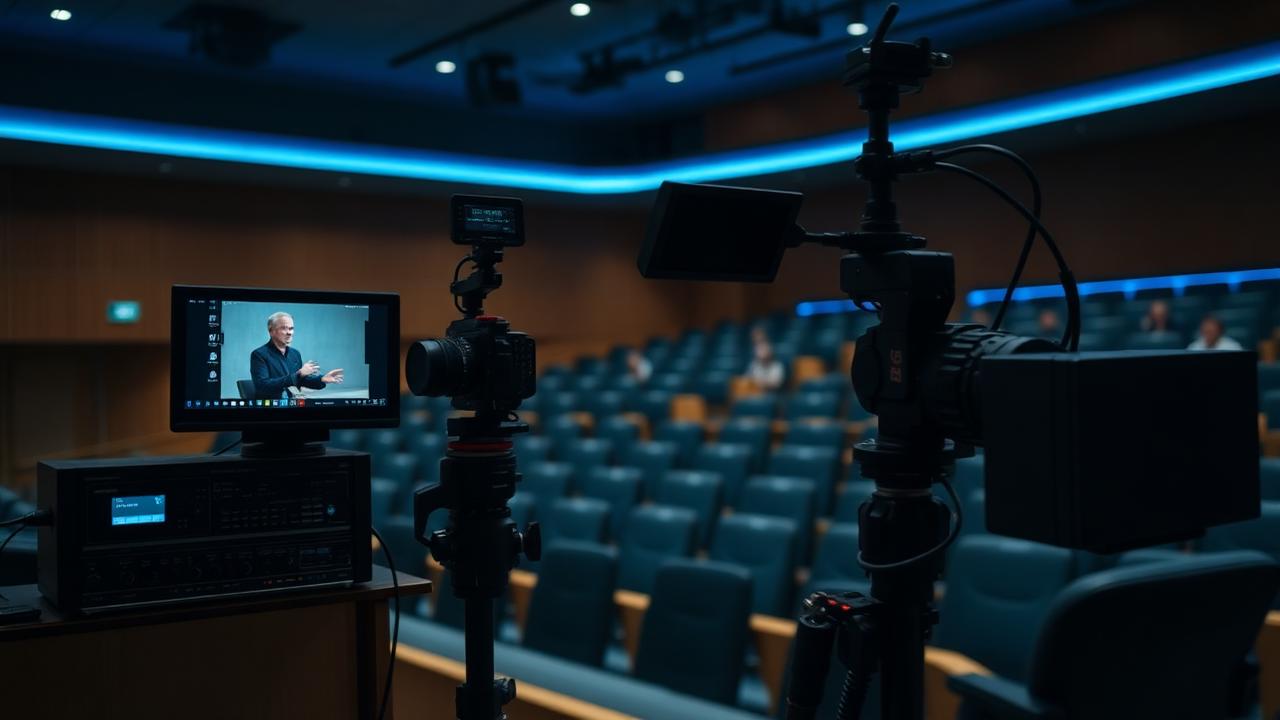
Lecture capture
Scheduled recording, live streaming and automatic LMS publishing.
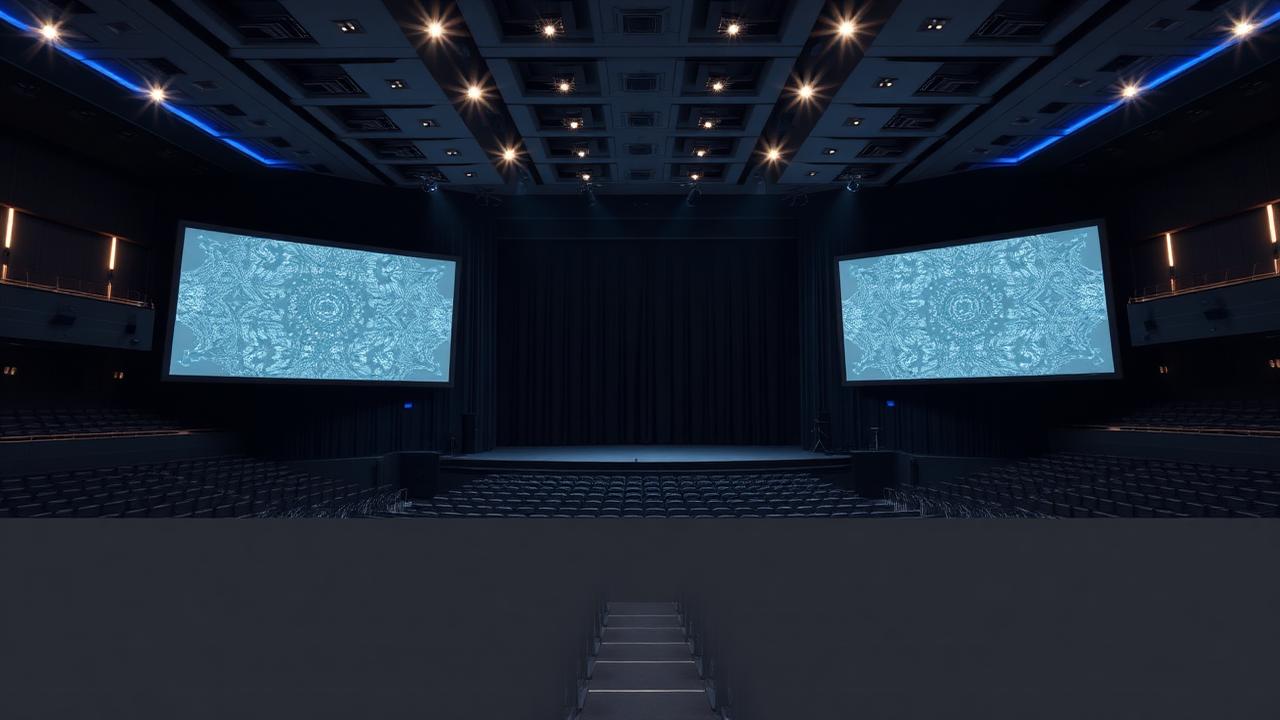
Auditorium systems
Large image, delay loudspeakers, assistive listening and stage control.
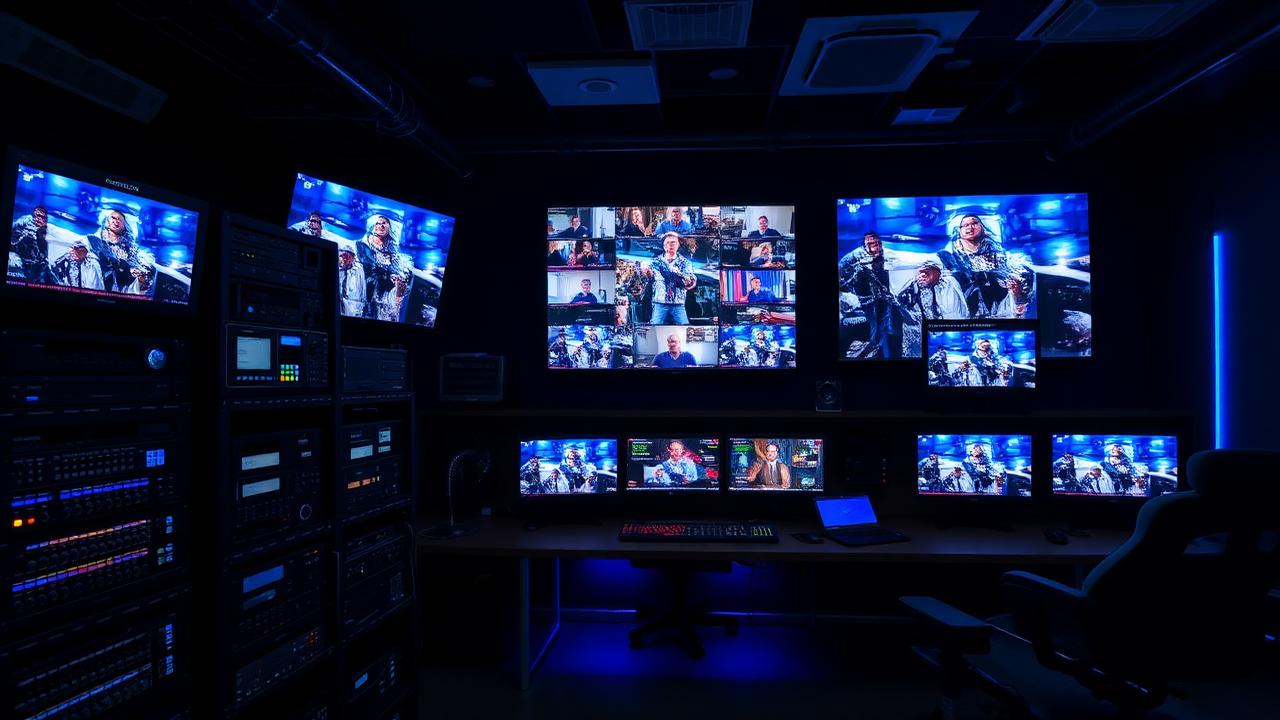
Campus IPTV
Live channels, recorded lectures and event feeds to every screen.
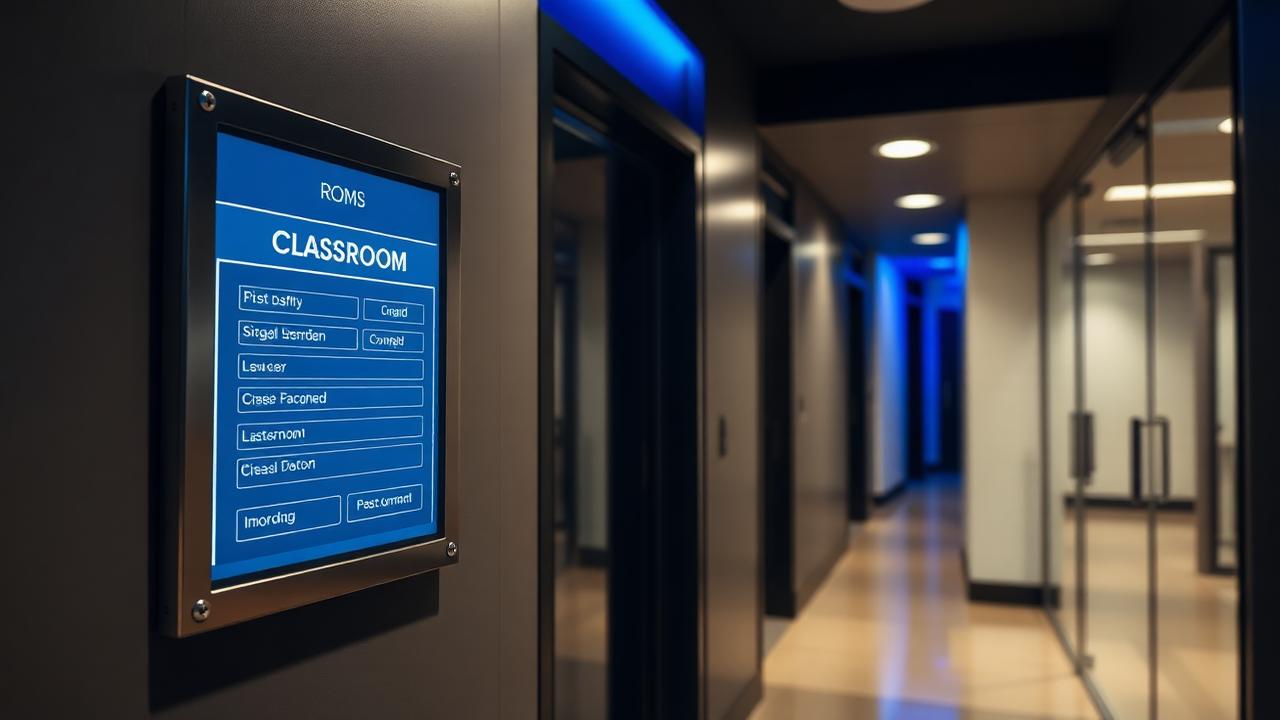
Room booking panels
Door panels bound to the timetable with occupancy feedback.
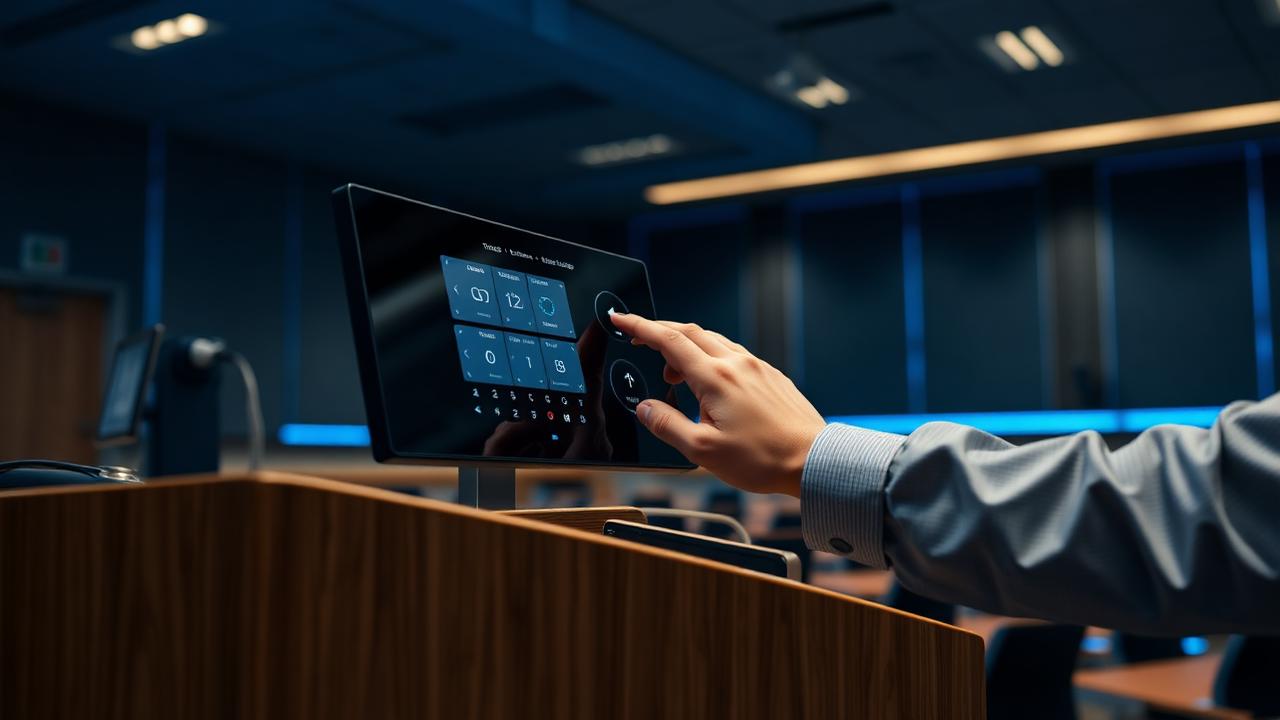
Teacher-first control
Four actions on the panel: wake, present, be heard, record.
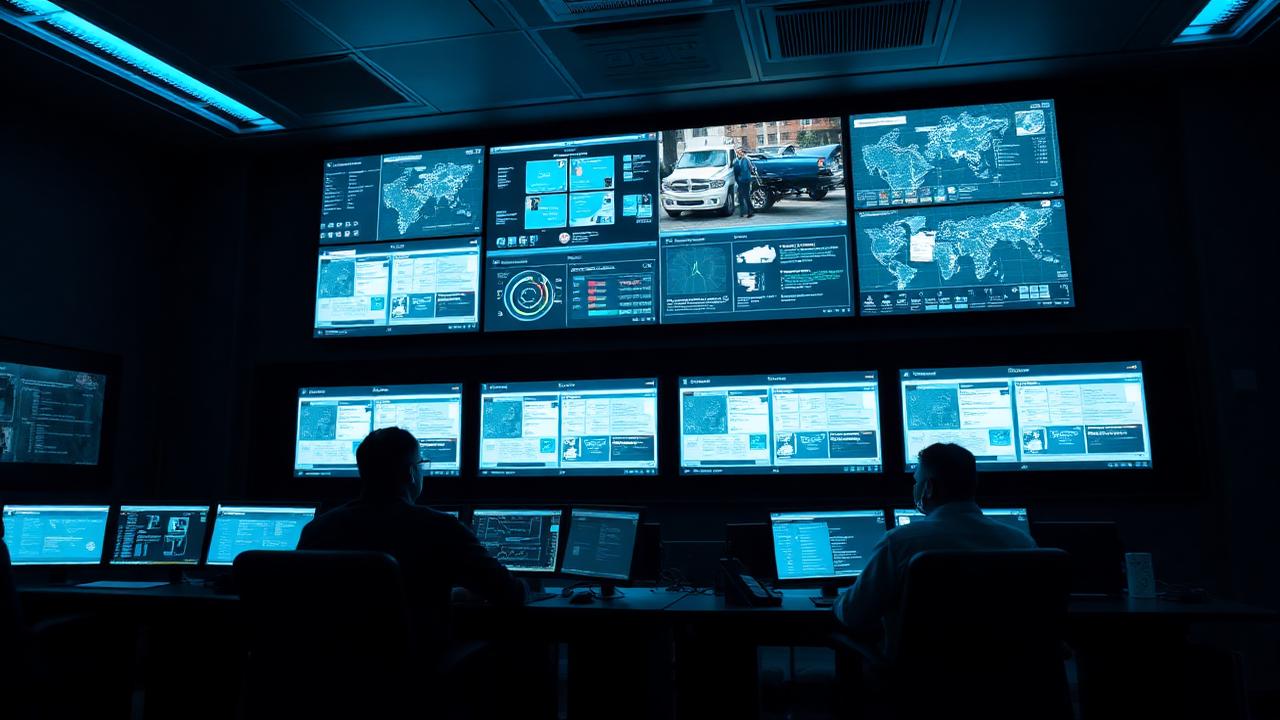
Central AV monitoring
Device health, uptime and usage analytics across every room.
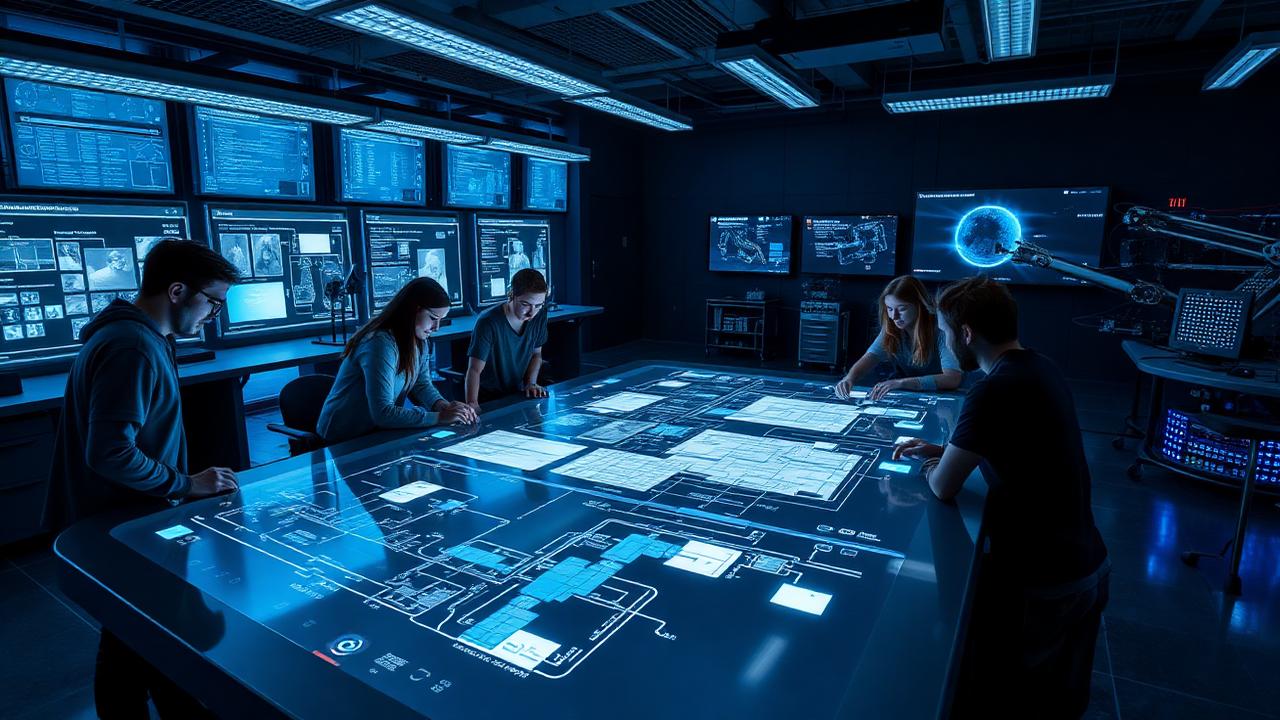
Innovation labs
Touch tables, robotics benches and collaborative displays.
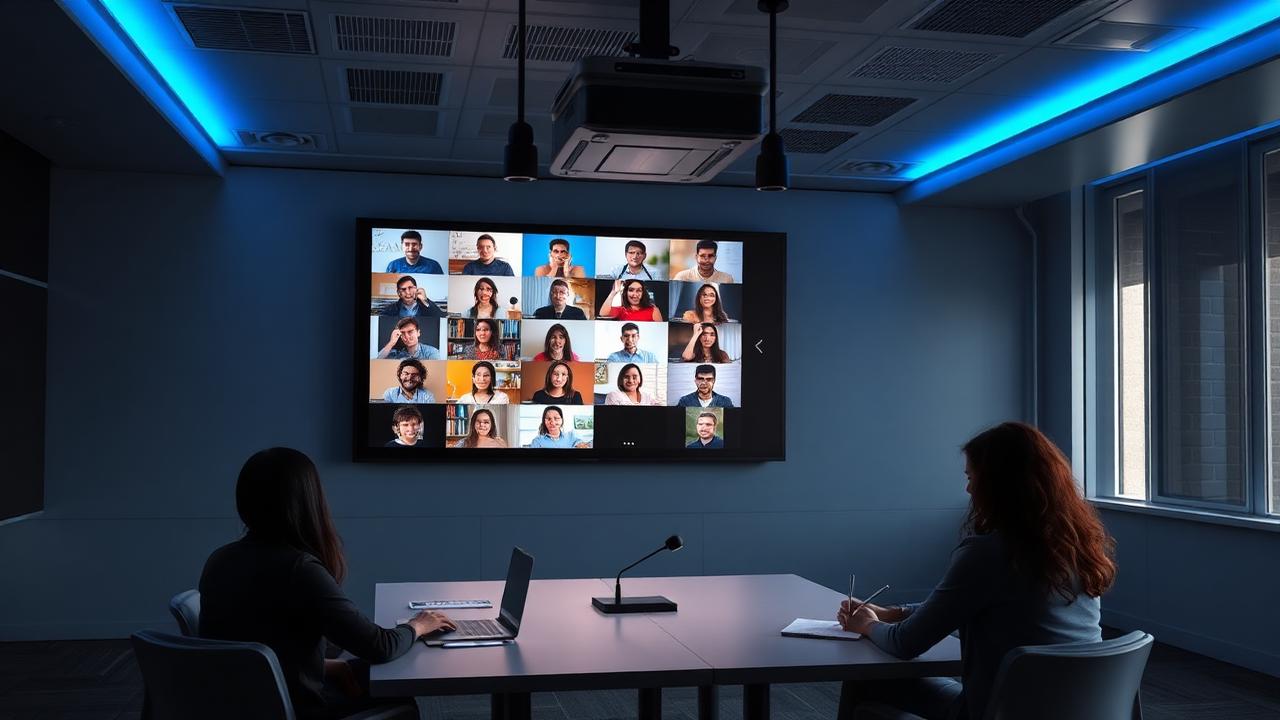
Hybrid learning
Tracking cameras and audience mics for equal remote presence.
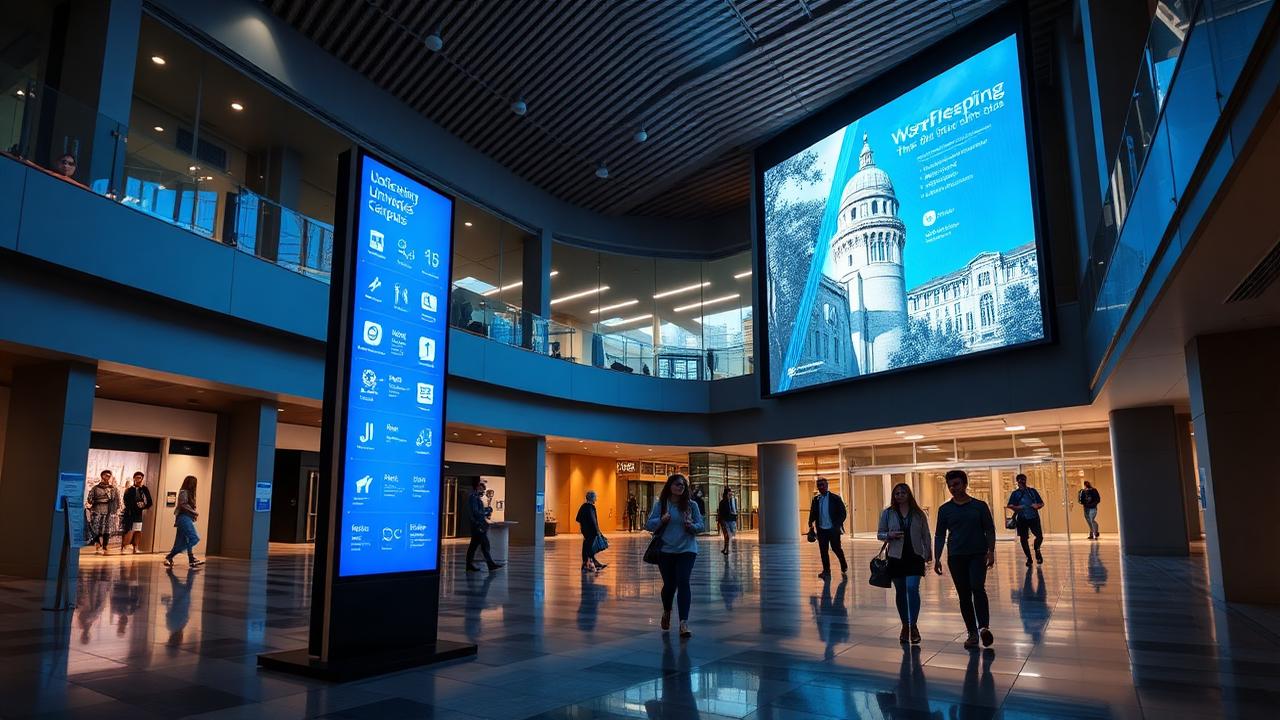
Campus signage
Wayfinding, notices and emergency override from one CMS.
Seven moments. Zero technical decisions.
Enter
Occupancy sensing wakes displays, audio and the lighting scene before the teacher reaches the lectern.
One layered stack, repeated in every room.
Interactive panels · projection · LED lecture walls · confidence monitors
Teacher PC / OPS · wireless BYOD · document camera · LMS and IPTV channels
AV-over-IP on a segmented campus VLAN · HDBaseT for local runs
Ceiling arrays · lavalier and lectern mics · DSP with AEC · voice lift · assistive listening
Tracking cameras · encoders · scheduled recording · LMS publishing
Room keypads and panels with one teacher UI across every room family
Cloud monitoring · device health · usage analytics · ticketing and SLA
From entering the room to teaching
Speech intelligibility target, every seat
Display-height sightline rule applied per room
Campus AV monitoring and SLA-backed response
Standardise your campus, one room family at a time.
We survey every teaching space, define a fixed bill of materials per room family, build a pilot room for faculty sign-off, then roll out across the academic calendar — with training, spares and SLA support.

Global leader in commercial display technology, delivering reliable LCD and LED signage, i

JC Vision specializes in high-performance commercial displays and cost-effective LCD video

ITC TECH provides professional audio, video and conference systems including PA, discussio

Fohhn is a German manufacturer renowned for beam-steering loudspeaker systems that deliver

Extron is a leading provider of AV switching, control and signal distribution products for
Crestron delivers enterprise-grade control, automation and unified communication solutions
Barco is a global technology leader in visualization and collaboration, offering control r
Classroom Technology
65"–98" 4K IFPs with multi-touch, built-in Android, and OPS PC slots — K-12 and higher-ed grade.
Capacitive smart boards with cloud-synced ink, screen-mirroring, and collaboration apps.
4K visualizers for lab demonstrations, book scanning, and hands-on instruction.
BYOD casting from any device with moderator controls and multi-source display.
Lecture Halls & Auditoriums
Dual-projection systems, LED lecture walls, and confidence monitors for 200-800 seat halls.
Automated recording, live-streaming, and LMS integration for hybrid learning.
Ceiling arrays and lavalier systems with automixed clarity for large rooms.
IR, RF, and induction-loop systems for accessibility compliance.
Distance Learning & Campus AV
Multi-camera classroom studios with instructor tracking and live student monitoring.
Wayfinding, event boards, and student information displays across campuses.
Faculty and admin rooms with Teams/Zoom Rooms and unified booking.
Multi-station interactive language learning with instructor control.
Ready to specify education av?
Our engineering team will scope, design, and quote the solution — with pilot demonstrations available at our Riyadh Experience Center.