Education AV · Distance Learning & Campus AV

Meeting Rooms

Faculty and admin rooms with Teams/Zoom Rooms and unified booking.

©
Faculty & admin meeting rooms

Meeting Rooms

A focused motion preview for meeting rooms within CaesarTechs' education av portfolio.

©
In-depth overview

A closer look at meeting rooms.

Faculty and admin rooms with Teams/Zoom Rooms and unified booking.

Within CaesarTechs' education av practice, meeting rooms is engineered as a full stack — from source and processing to display, control, acoustics, network, and power. Every decision is made against the room, venue, or environment it operates in, so the finished system feels intentional rather than assembled from a parts list.

Our distance learning & campus av teams pair proven manufacturer partners with in-house design and commissioning. That means the meeting rooms you sign off in concept is the meeting rooms you get in the field: color-matched, calibrated, and documented, with a clear service path after handover.

Projects typically move through discovery, concept design, technical design, procurement, installation, commissioning, and support. At each stage you get a named point of contact, a working prototype or mock-up when it matters, and change control that protects both budget and schedule.
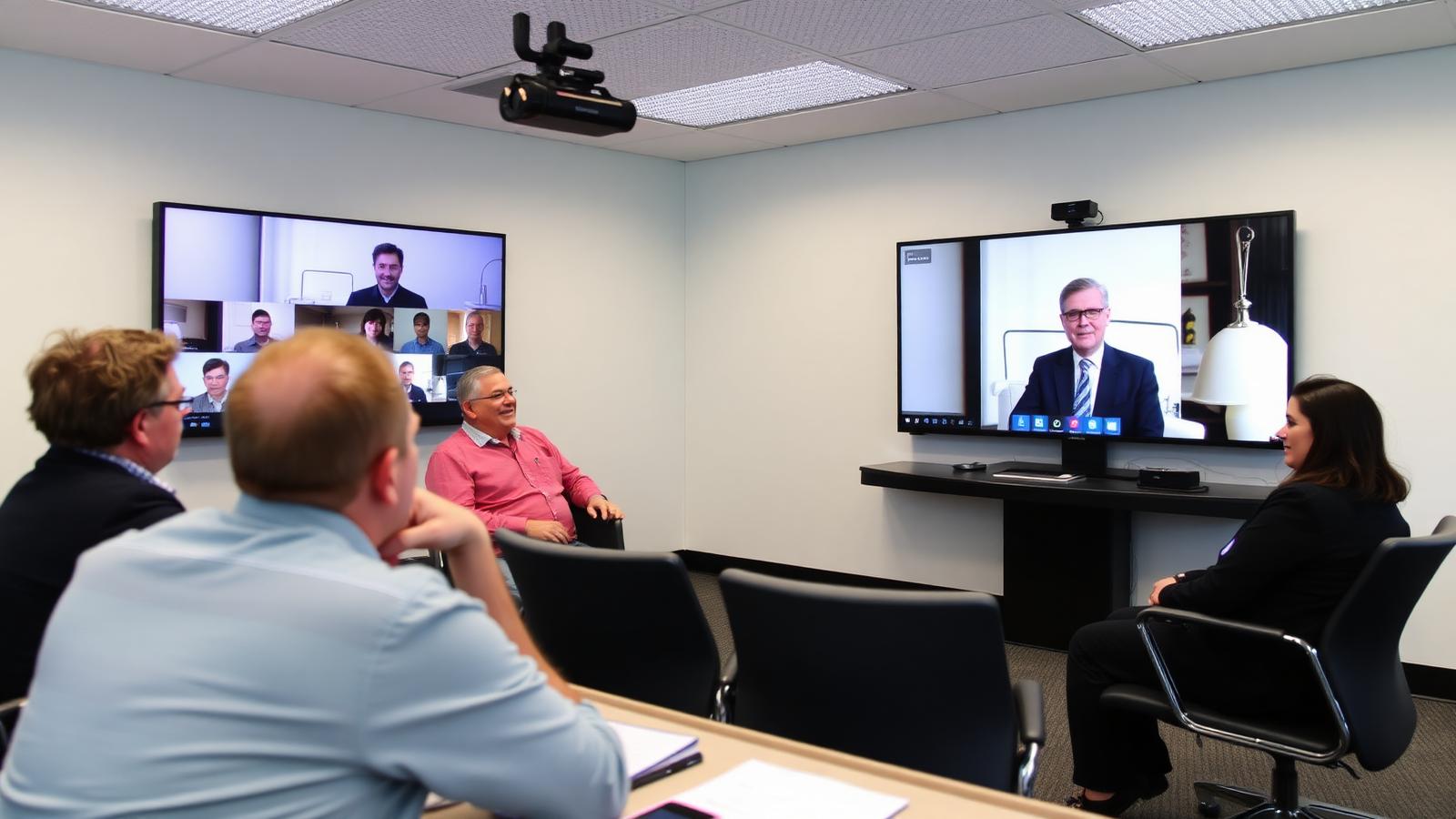
What we design
  • Meeting Rooms concept, sightlines, and viewing geometry
  • Education AV product selection with brand comparison
  • Signal flow, control, and network architecture
  • Structural mounting, power, cooling, and service access
  • Content, UX, and operator workflow
  • Commissioning, calibration, and acceptance testing
Typical use cases
  • Enterprise HQ meeting rooms
  • Retail & hospitality meeting rooms
  • Public venues & landmarks
  • Government & mission-critical
  • Broadcast, sports & entertainment
  • Education, healthcare & training
©
CaesarTechs Education standard

Faculty and admin rooms that start on time — one press, every platform, every room the same.

©
How it works

From survey to a room teachers can actually use.

1Step

Book

The room is booked from the calendar and shown on the door panel.

2Step

Start

One press joins the scheduled meeting and powers the room.

3Step

Share

In-room and remote participants share content wirelessly or by cable.

4Step

Release

The room ends the session, powers down and reports utilisation.

©
Products & systems

What goes into the room.

Category-level specifications with the features, the teaching benefit and the integration path — the detail procurement and consultants ask for.

UC room system in an education environment
Faculty rooms, admin meeting rooms, board and committee rooms.

UC room system

Certified codec, camera and audio package matched to the room size.

  • Platform-certified room system
  • Auto-framing camera
  • Full-duplex room audio
  • One-touch join
Benefit
Meetings start in seconds and behave identically in every room.
Integration
Joined to the campus calendar, monitored centrally and standardised per room size.
Room booking panel in an education environment
All bookable teaching and meeting spaces.

Room booking panel

Door-mounted panel showing availability, occupant and next booking.

  • Calendar integration
  • Availability at a glance
  • On-panel booking and release
  • Utilisation reporting
Benefit
Ghost bookings disappear and real utilisation becomes measurable.
Integration
Connected to the institution's calendar platform and the AV monitoring dashboard.
CrestronExtron
©
Interactive demonstration

Run the room, mode by mode.

Every CaesarTechs teaching room ships with the same set of named modes. Select one to see what the display, audio and control system do.

Lesson 04 — board restored
Display / lighting scene
Voice-lift level
©
Application scenarios

Where this is deployed.

Faculty meeting

Hybrid committee sessions with reliable audio for remote members.

Interview room

Recorded or streamed sessions with controlled content sharing.

©
System architecture

The signal chain, end to end.

Documented as-built for every room family, so campus IT and facilities can support the estate without calling the integrator first.

CalendarBooking panelRoom systemDisplayMonitoring
Room systems sized by room volume and seating, not by a single campus default
Certified platform combinations only, so support remains valid
Utilisation reporting used to plan the next phase of investment
©
Supporting brands

Technologies behind the classroom.

Education deployments are built on CaesarTechs' represented portfolio — Samsung and JCV displays with approved audio, control and processing partners.

All CaesarTechs brands →
Crestron logo
Extron logo
Samsung logo
JC Vision logo
ITC TECH logo
Fohhn logo
Barco logo
©
Continue in Education

More from distance learning & campus av.

All Education AV pages →
©

Plan your meeting rooms rollout.

Share your room schedule and CaesarTechs will return a room-family specification, drawings and a phased campus rollout plan.

©