Education AV · Classroom Technology

Interactive Flat Panels

65"–98" 4K IFPs with multi-touch, built-in Android, and OPS PC slots — K-12 and higher-ed grade.

©
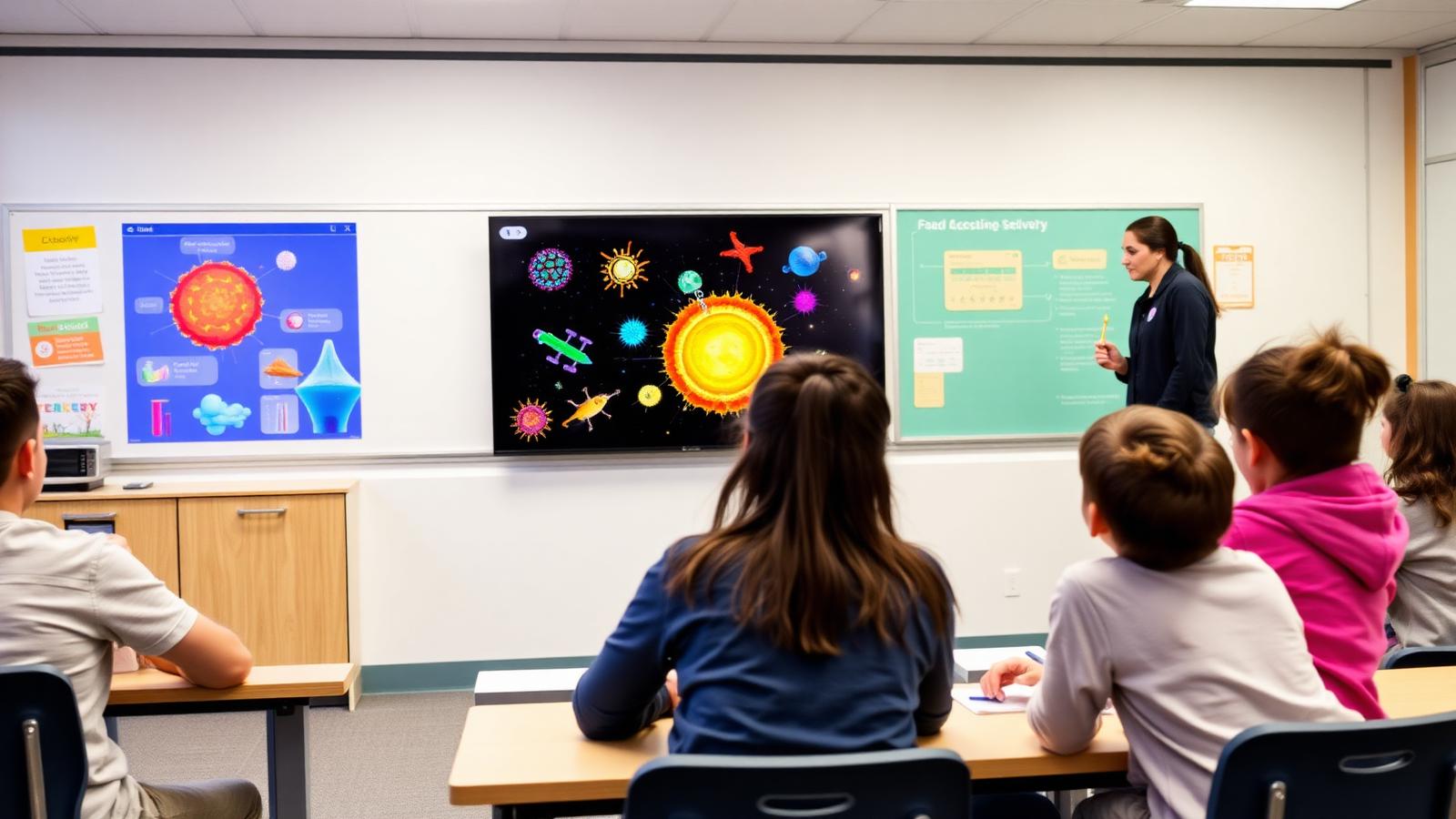
Interactive flat panel classroom

Interactive Flat Panels

A focused motion preview for interactive flat panels within CaesarTechs' education av portfolio.

©
In-depth overview

A closer look at interactive flat panels.

65"–98" 4K IFPs with multi-touch, built-in Android, and OPS PC slots — K-12 and higher-ed grade.

Within CaesarTechs' education av practice, interactive flat panels is engineered as a full stack — from source and processing to display, control, acoustics, network, and power. Every decision is made against the room, venue, or environment it operates in, so the finished system feels intentional rather than assembled from a parts list.

Our classroom technology teams pair proven manufacturer partners with in-house design and commissioning. That means the interactive flat panels you sign off in concept is the interactive flat panels you get in the field: color-matched, calibrated, and documented, with a clear service path after handover.

Projects typically move through discovery, concept design, technical design, procurement, installation, commissioning, and support. At each stage you get a named point of contact, a working prototype or mock-up when it matters, and change control that protects both budget and schedule.

What we design
  • Interactive Flat Panels concept, sightlines, and viewing geometry
  • Education AV product selection with brand comparison
  • Signal flow, control, and network architecture
  • Structural mounting, power, cooling, and service access
  • Content, UX, and operator workflow
  • Commissioning, calibration, and acceptance testing
Typical use cases
  • Enterprise HQ interactive flat panels
  • Retail & hospitality interactive flat panels
  • Public venues & landmarks
  • Government & mission-critical
  • Broadcast, sports & entertainment
  • Education, healthcare & training
©
CaesarTechs Education standard

The single most-used surface in the room. It has to wake instantly, write like a pen and never interrupt a lesson.

©
How it works

From survey to a room teachers can actually use.

1Step

Wake

Occupancy or a single button brings the panel and room audio up together.

2Step

Write

Sub-frame ink latency with palm rejection so annotation feels like a physical whiteboard.

3Step

Bring content

Teacher or student devices cast wirelessly; the panel arbitrates who is on screen.

4Step

Save & share

Board notes export to the LMS or cloud drive at the end of the lesson.

5Step

Sleep

The room powers down on schedule and reports usage back to campus monitoring.

©
Products & systems

What goes into the room.

Category-level specifications with the features, the teaching benefit and the integration path — the detail procurement and consultants ask for.

Interactive Display (65"–98", 4K) in an education environment
K-12 classrooms, higher-education seminar rooms, training suites.

Interactive Display (65"–98", 4K)

Multi-touch capacitive or infrared teaching panel with an integrated Android engine and OPS slot.

  • Multi-touch collaboration with palm rejection
  • Digital whiteboarding and annotation over any source
  • Wireless presentation from teacher and student devices
  • OPS slot for a full Windows teaching PC
  • Anti-glare toughened front glass
Benefit
Teaching stays on the board — no laptop swap, no cabling, no lost lesson time.
Integration
Bound to the room control keypad, voice-lift audio and campus monitoring.
SamsungJC Vision
Mobile & wall-mount systems in an education environment
Retrofits, shared rooms and labs where the panel must move between spaces.

Mobile & wall-mount systems

Height-adjustable trolleys and fixed wall systems sized to the room and the teaching posture.

  • Height-adjustable electric or manual lift
  • Cable management and device shelf
  • Wall or floor fixing engineered to the substrate
Benefit
The writing surface sits where every student can see it and every teacher can reach it.
Integration
Single-point power and data drop coordinated with the room electrical design.
©
Interactive demonstration

Write on the board, right here.

A live simulation of the teaching surface — ink, tools and board behavior exactly as CaesarTechs standardises it across a campus.

Interactive display · Live demo

Try the board before it reaches the classroom.

This is the same interaction model our interactive flat panels deliver: sub-frame ink latency, palm rejection, highlighter and pen tools, instant erase and one-tap export of the annotated lesson to the class folder or LMS.

Touch points
40-point multi-touch
Ink latency
< 25 ms typical
Surface
Anti-glare tempered glass
Export
PNG · PDF · LMS folder

Draw on the board to begin the session.

Lesson canvas86" interactive flat panel
©
©
Application scenarios

Where this is deployed.

Primary classroom

Large touch targets, simple whiteboarding and lesson recall from the cloud.

University seminar

Annotation over live sources and instant sharing of board notes to the cohort.

Training room

Wireless BYOD from any trainer device with moderated multi-source display.

©
System architecture

The signal chain, end to end.

Documented as-built for every room family, so campus IT and facilities can support the estate without calling the integrator first.

Teacher deviceWireless receiverInteractive panelVoice liftRoom controlCampus network
Panel size selected against the 4–6× display-height sightline rule
Mounting engineered to the actual wall substrate, with structural backing where required
Single wake / sleep behavior standardised across the campus
Firmware, ink app and casting versions locked and documented per room family
©
Supporting brands

Technologies behind the classroom.

Education deployments are built on CaesarTechs' represented portfolio — Samsung and JCV displays with approved audio, control and processing partners.

All CaesarTechs brands →
Samsung logo
JC Vision logo
ITC TECH logo
Fohhn logo
Extron logo
Crestron logo
Barco logo
©
Continue in Education

More from classroom technology.

All Education AV pages →
©

Plan your interactive flat panels rollout.

Share your room schedule and CaesarTechs will return a room-family specification, drawings and a phased campus rollout plan.

©