
Write together
Two styluses and ten fingers on the same canvas — palm rejection keeps the ink clean while several people annotate at once.
A collaborative interactive display experience for learning, meetings, training and creative work.
 CaesarTechs
Samsung Flip Pro — experienced by CaesarTechs. · Cinematic visualisation. Features marked * are confirmed on the current Samsung datasheet for the model quoted.
Drag the panel to rotate a full 360°, or let it spin. Front glass, slim profile, rear I/O and the pivot stand — the same display CaesarTechs installs in your room.
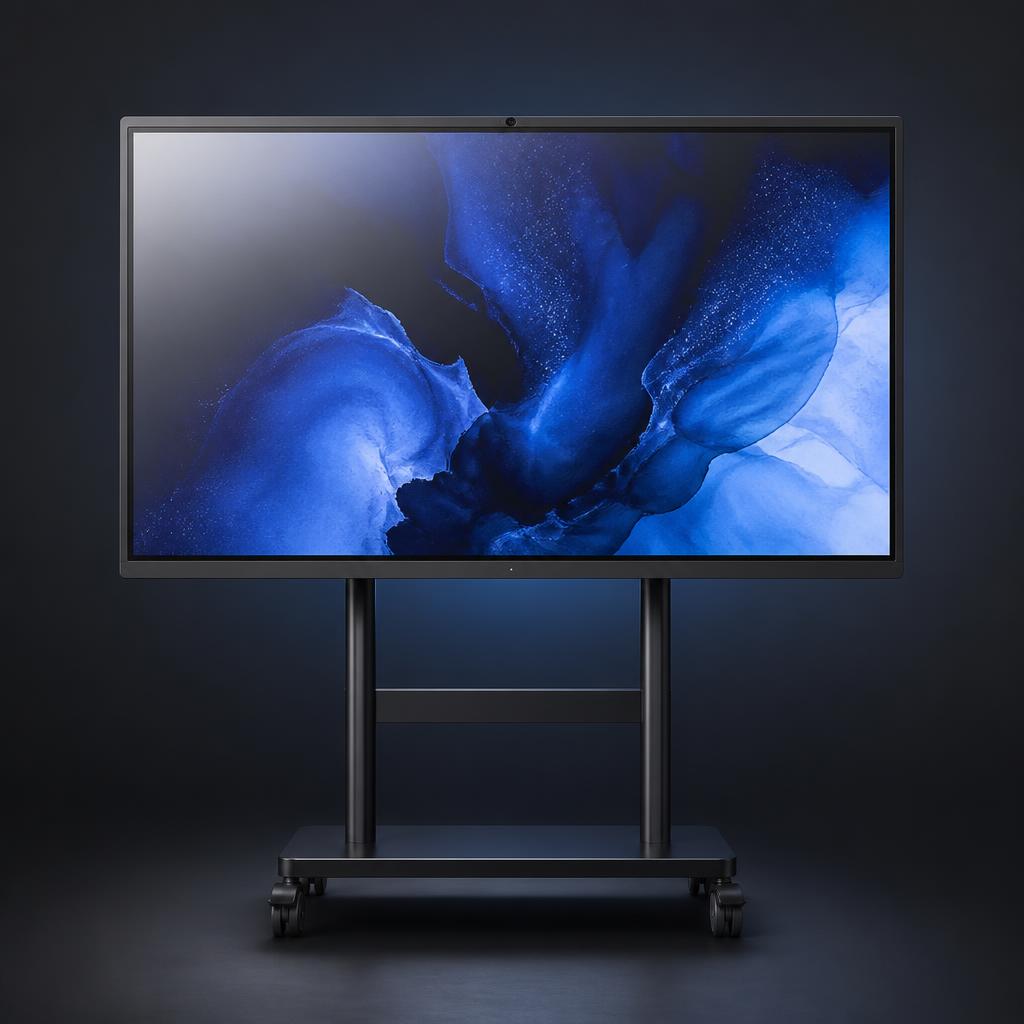
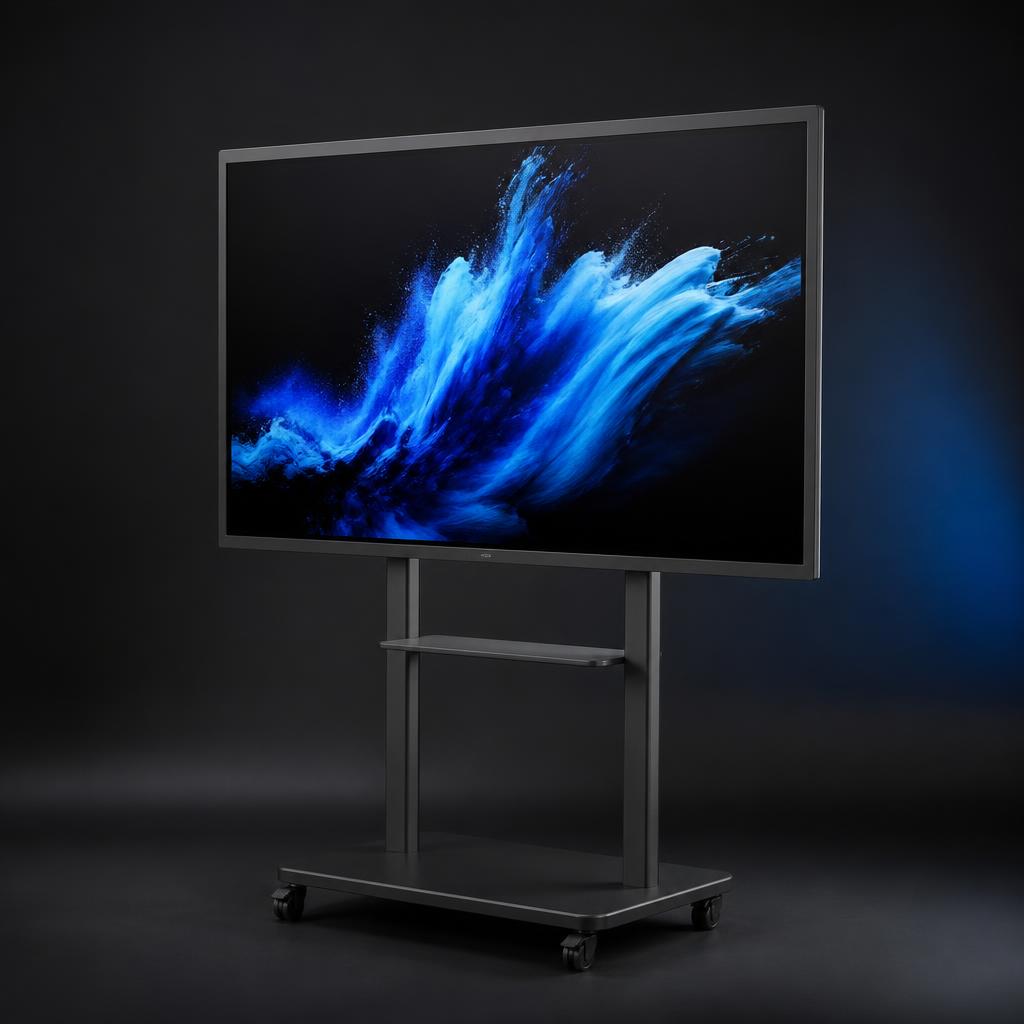
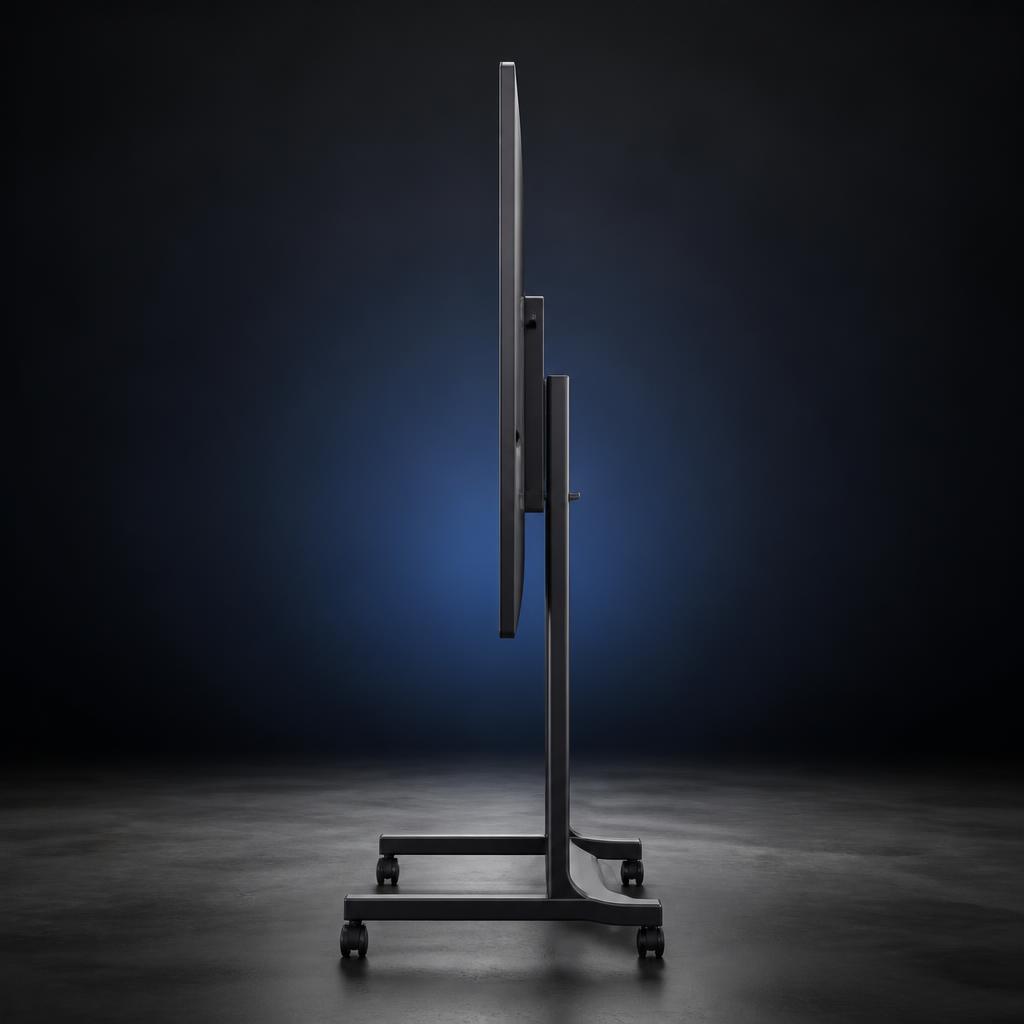
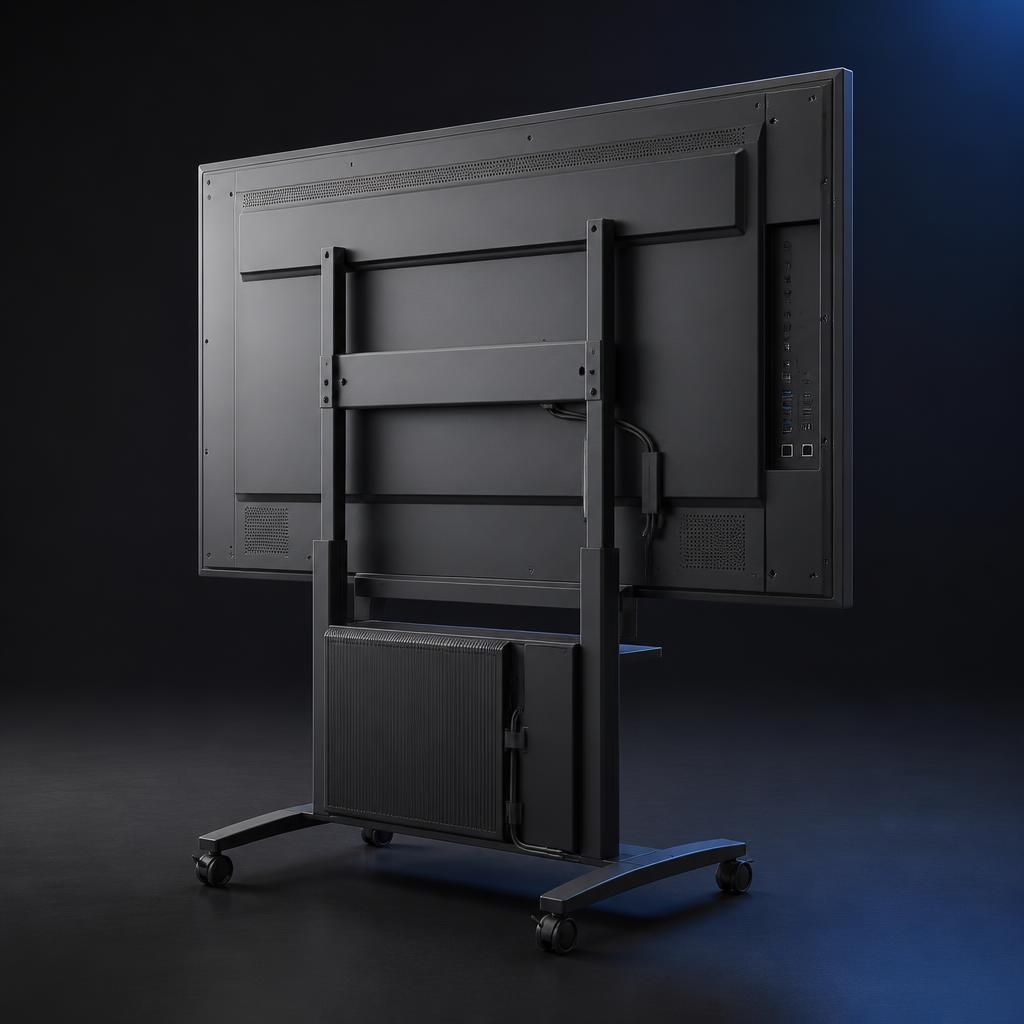
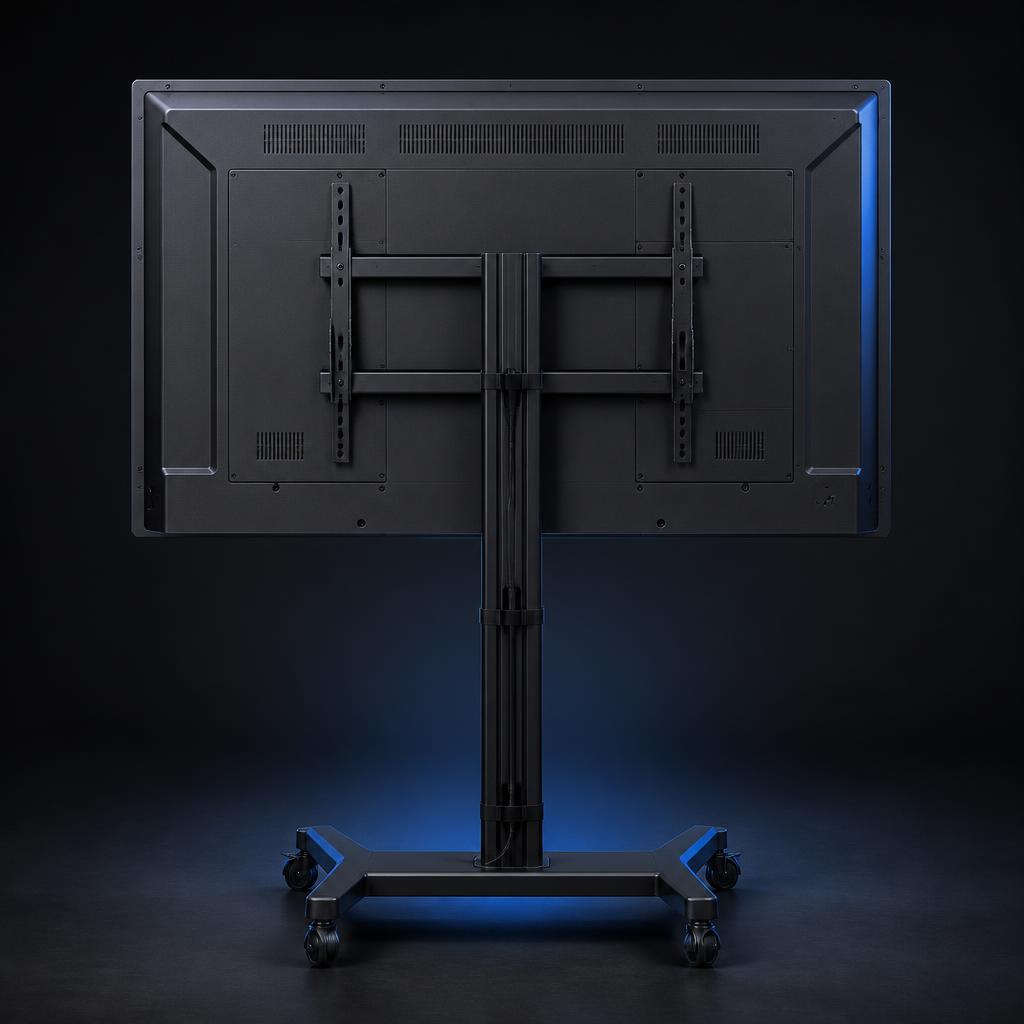
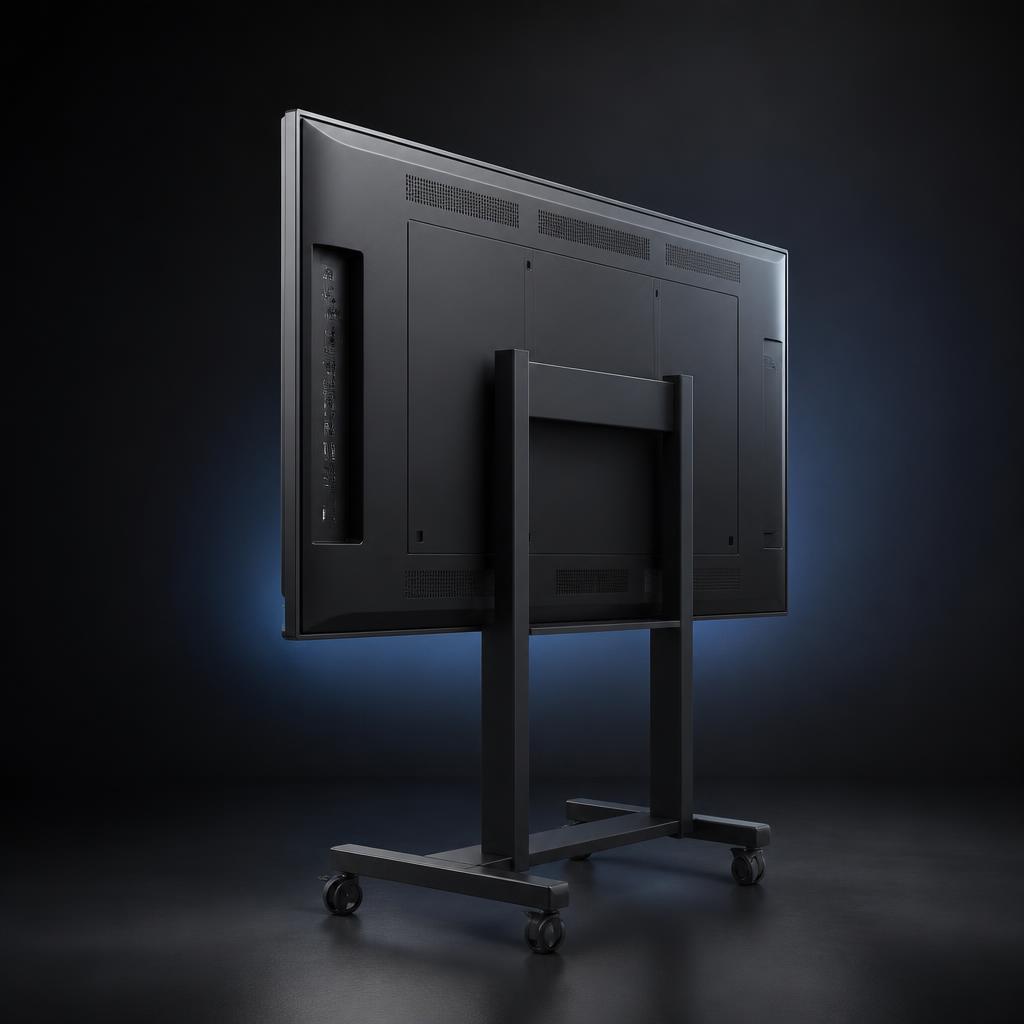
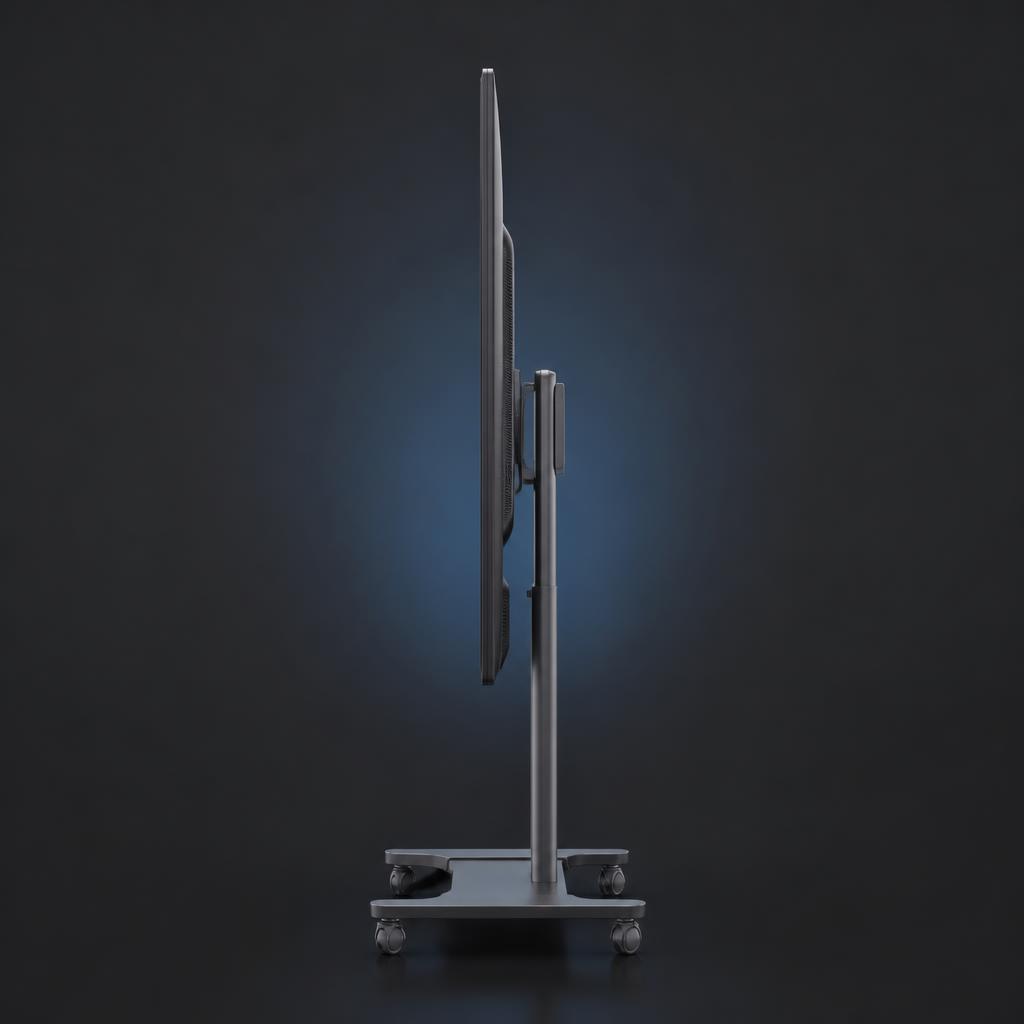
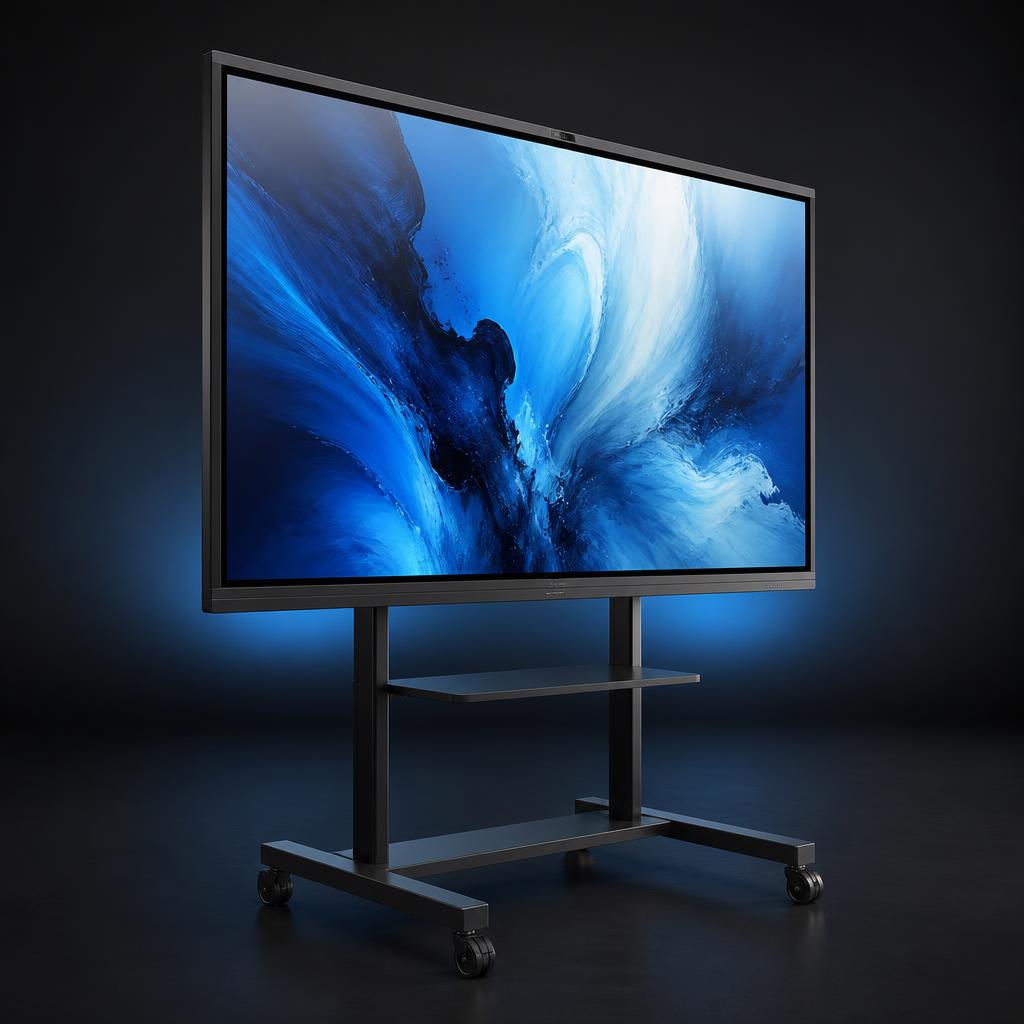
Front · 20-point multi-touch glass
Two styluses and ten fingers on the same canvas — palm rejection keeps the ink clean while several people annotate at once.
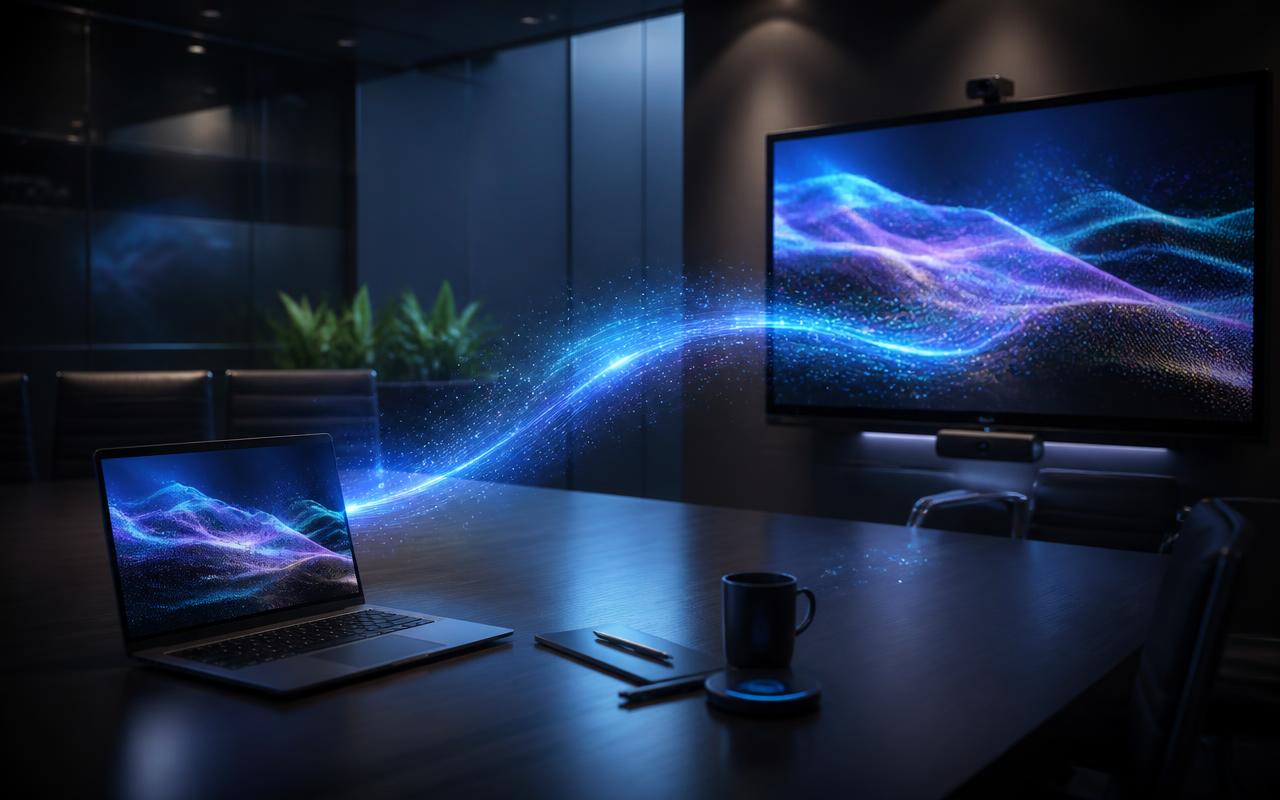
Laptops and phones cast in seconds over Wi-Fi, or a single USB-C cable carries video, touch-back and charging together.
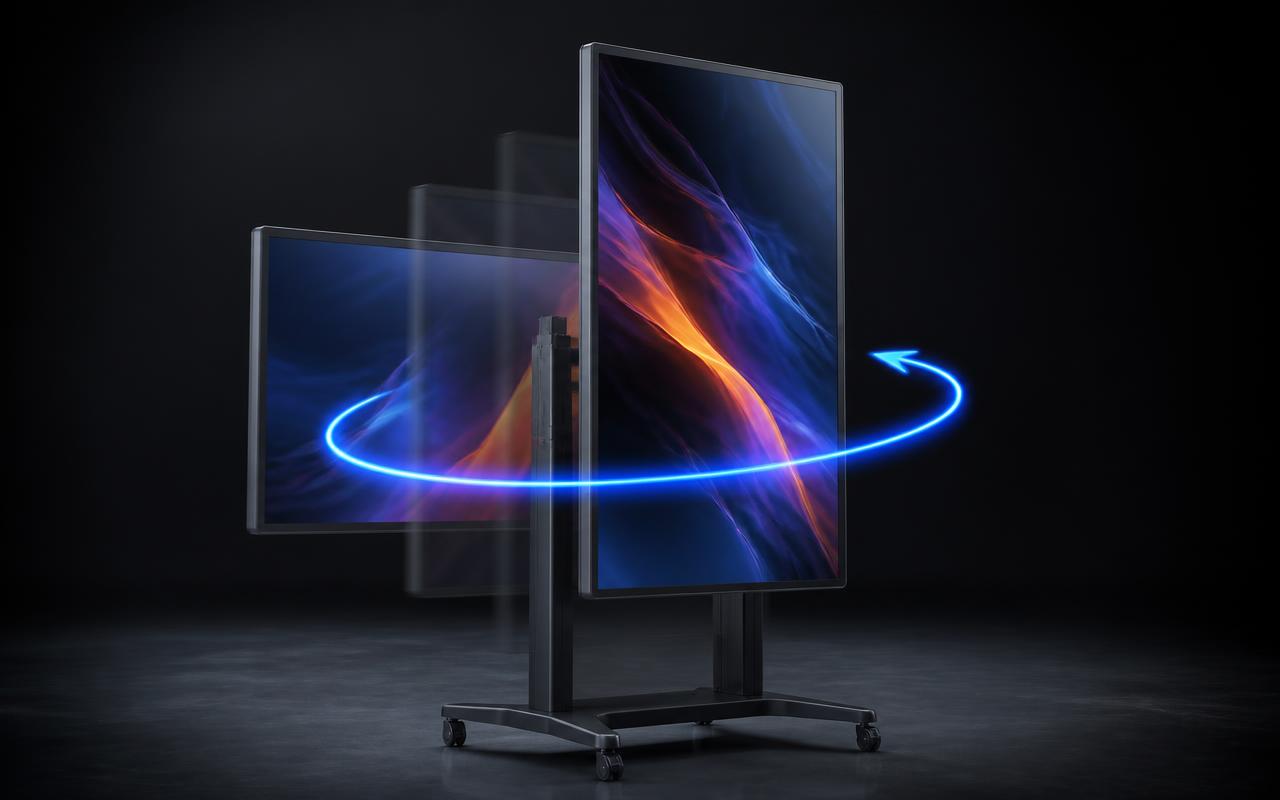
The pivot stand turns the panel from landscape collaboration to a portrait board for documents, signage and design reviews.
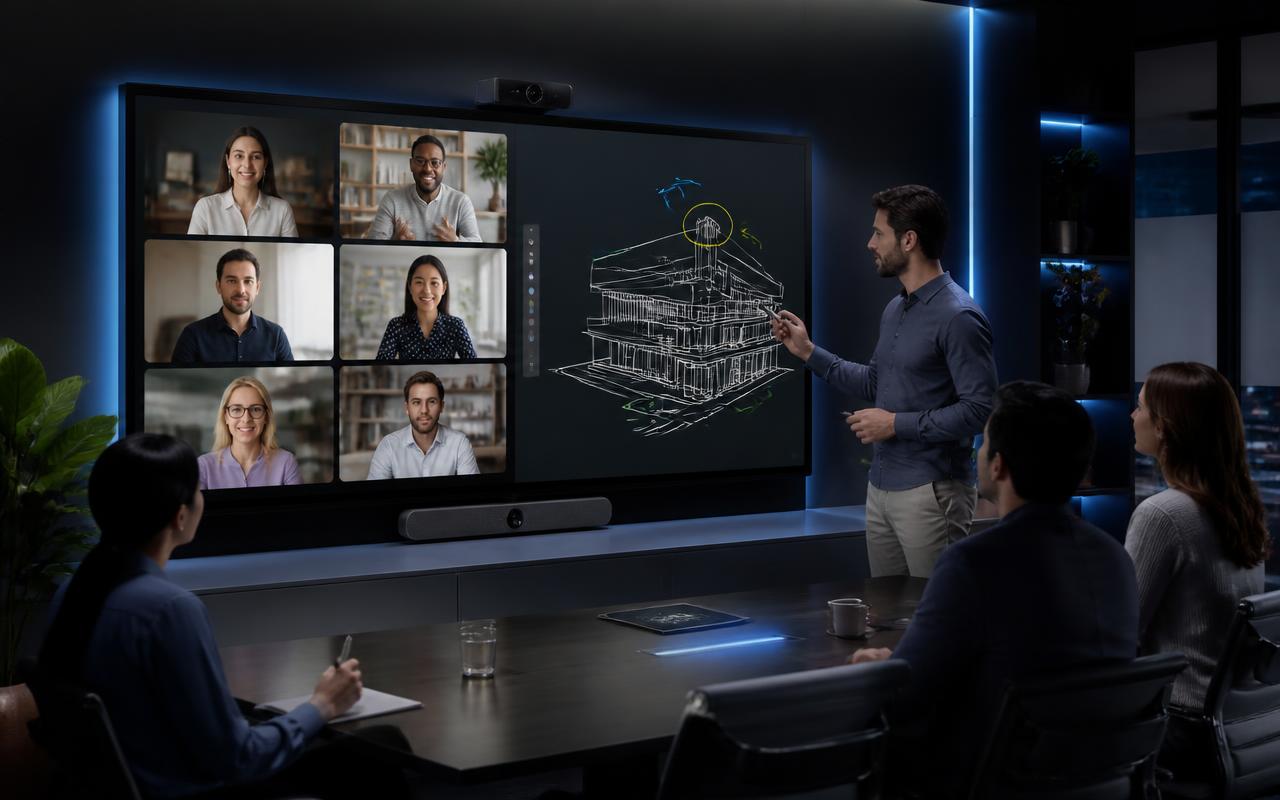
Camera, soundbar and whiteboard on one surface: remote participants see the board, not a reflection of it.
Samsung Flip Pro product datasheet
WM65B and WM75B specifications, connectivity, mounting and CaesarTechs scope of work — co-branded PDF.
Samsung positions Flip Pro for low-latency pen and finger writing, so ink appears to follow the hand instead of trailing it.
Up to 20 simultaneous touch points, so a group can write, drag and annotate on the same surface at the same time.
3840 × 2160 UHD resolution for legible text, fine drawings and detailed documents at close viewing distance.
A single USB-C connection carries display, touch control and power delivery between a laptop and the display.
USB-C power delivery of up to 65W to a connected notebook, per Samsung's published specification for supported models.
Participants share content from a laptop, tablet or phone without swapping cables around the table.
Samsung's SmartView+ mirroring and sharing experience for connecting participant devices to the display.
Access to cloud services, web and remote PC sessions directly from the display, per Samsung's Workspace feature set.
Content and playlists can be pushed and scheduled remotely using Samsung's MagicINFO / management platform.
Samsung Knox security is applied to Samsung's signage platform for device protection and secure operation.
Wall mount, portable stand and connectivity tray options for fixed rooms or shared, moveable spaces.
All specifications shown are taken from Samsung's published Flip Pro product information. Values marked * are confirmed against the current Samsung datasheet for the exact model, configuration and region at quotation stage.
©Select up to three models to compare. Audio, ports and accessory compatibility differ by model and region and are confirmed on the Samsung datasheet at quotation.
| Compare models | WM65B · 65" | WM75B · 75" |
|---|---|---|
| Screen size | 65" | 75" |
| Resolution | UHD 3840 × 2160 | UHD 3840 × 2160 |
| Touch | 20-point multi-touch | 20-point multi-touch |
| USB-C | USB-C (display + touch + charging*) | USB-C (display + touch + charging*) |
| Typical room | ~20–35 m² · 8–16 people | ~35–55 m² · 16–30 people |
| Best for | Standard meeting rooms and classrooms | Large classrooms, boardrooms, design studios |
| Installation | Wall mount or portable stand | Wall mount or heavy-duty stand |
Pen and finger input on a UHD canvas with up to 20 touch points, so several people can work on the same board simultaneously.
Display, touch, control and power travel over a single USB-C link between the device and Flip Pro.
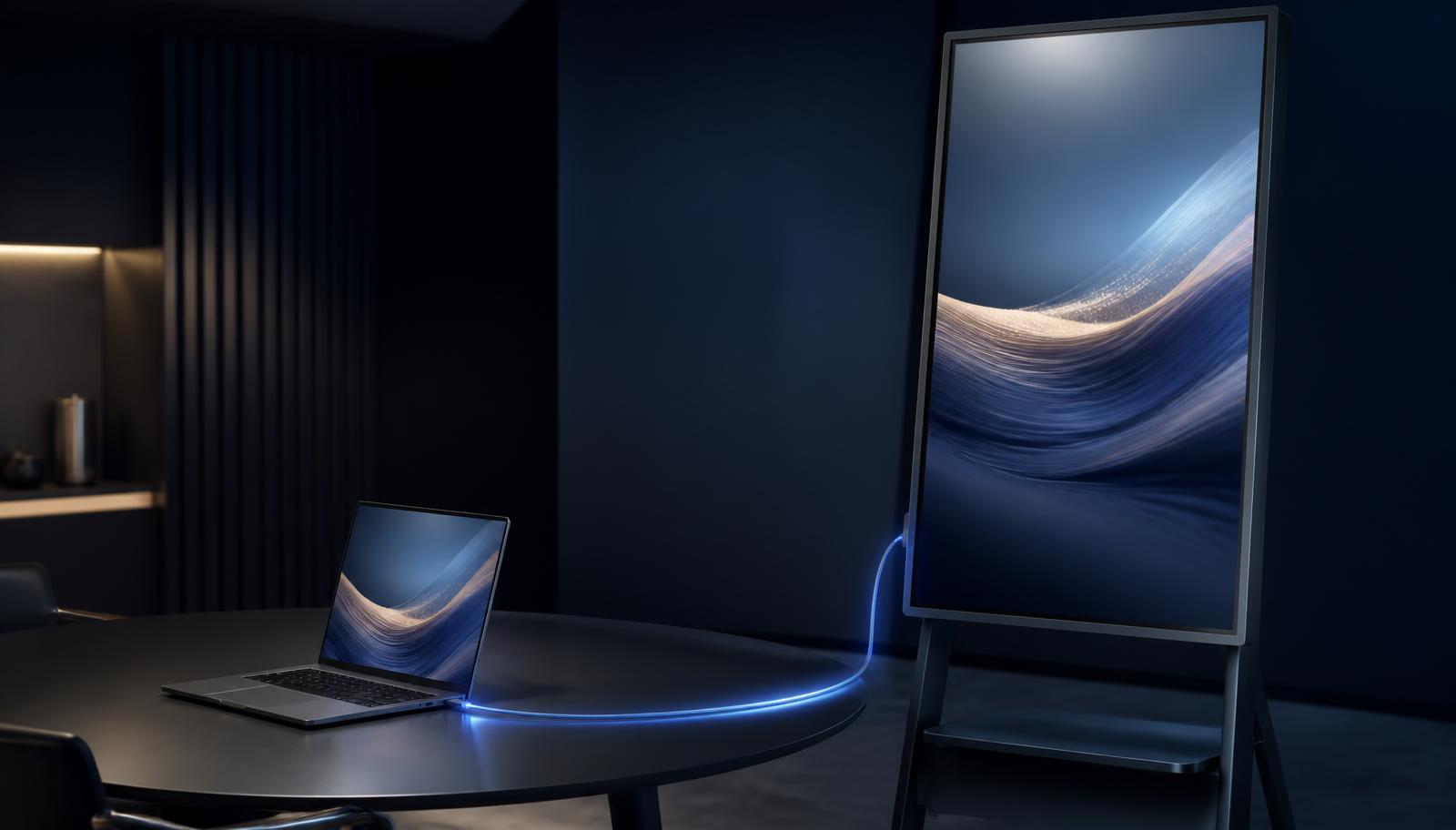
4K video out from the laptop to the panel
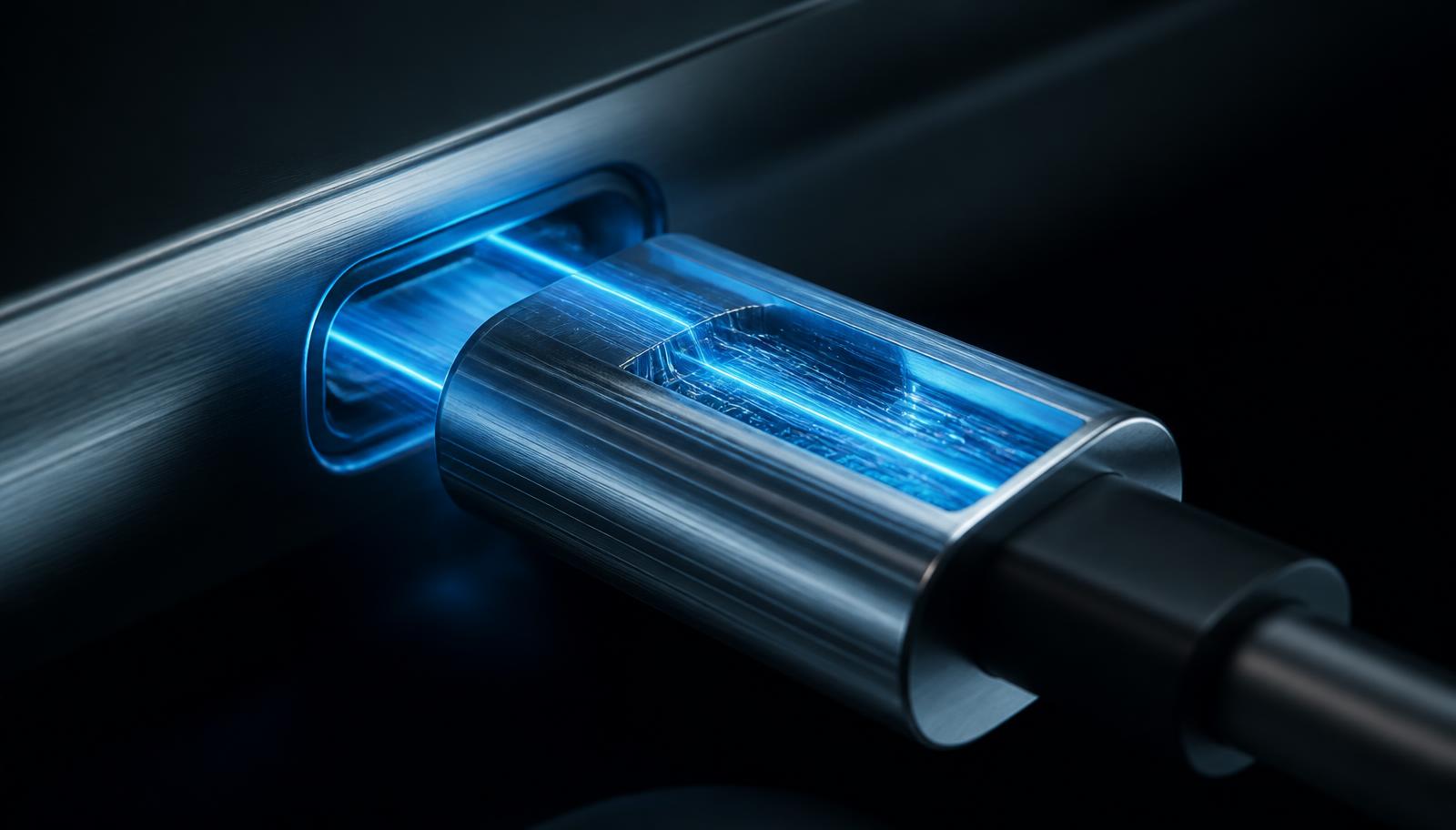
Up to 65W charging* — one connection, less complexity.
*According to the supported configuration and product specification for the model quoted.
Phones, tablets and laptops connect to the display for content sharing through SmartView+. Samsung publishes support for up to 50 connected devices* — this describes connected participant devices, not 50 sources shown on screen at once.
*Concurrent sharing behaviour follows Samsung's SmartView+ documentation for the model and firmware quoted.
Fixed installation at designed height for classrooms, boardrooms and training rooms, with concealed power and data.
Moveable deployment for shared spaces, labs and rooms that change layout between sessions.
Accessible cable presentation at the display so USB-C and wired sources are within reach of the table.
Power, data, source plates, UC platform, control and — where required — audio reinforcement designed by CaesarTechs.
Accessory compatibility is confirmed against the Samsung accessory list for the exact model at quotation.
©Flip Pro is Samsung's professional interactive display family with UHD 3840 × 2160 resolution, published in 55", 65", 75" and 85" class sizes.
Samsung publishes 20 simultaneous touch points for the Flip Pro line, enabling genuine multi-user collaboration on one canvas.
Samsung positions Flip Pro around low writing latency for a natural pen-on-paper feel; exact figures are quoted from the current Samsung datasheet per model.
One USB-C connection carries video, touch control and notebook charging up to 65W where the model and configuration support it.
Samsung's SmartView+ enables device mirroring and content sharing from participant devices; concurrent display behaviour follows Samsung documentation.
Workspace provides access to cloud drives, web browsing and remote PC sessions from the display itself.
Samsung Knox protection with remote content and device management through Samsung's management platform.
Audio, connectivity ports, brightness, camera/conferencing options and accessory compatibility differ by model and region — always confirmed on the Samsung datasheet at quotation.
Product technology by Samsung. Solution design and integration by CaesarTechs. Samsung Flip Pro is a Samsung Electronics product; CaesarTechs does not manufacture it.
SAM answers product questions from Samsung's published Flip Pro information, and everything about design, integration and delivery from CaesarTechs scope.
Wall mount at designed viewing height
Recommendation is for a single room. Final selection is confirmed on a site survey.
A 30-section CaesarTechs customer guide: the product family, the writing and touch experience, USB-C, SmartView+, Workspace, Knox, application design for education, corporate, training and engineering, plus integration scope and how to request a demo or a quotation.
Product technology by Samsung · Solution design & integration by CaesarTechs.
Experience Samsung Flip Pro through CaesarTechs.
Demo unit availability is confirmed by the CaesarTechs Experience Center team. Experience Center →
Samsung Flip Pro · Experienced by CaesarTechs