Education AV · Classroom Technology

Wireless Presentation

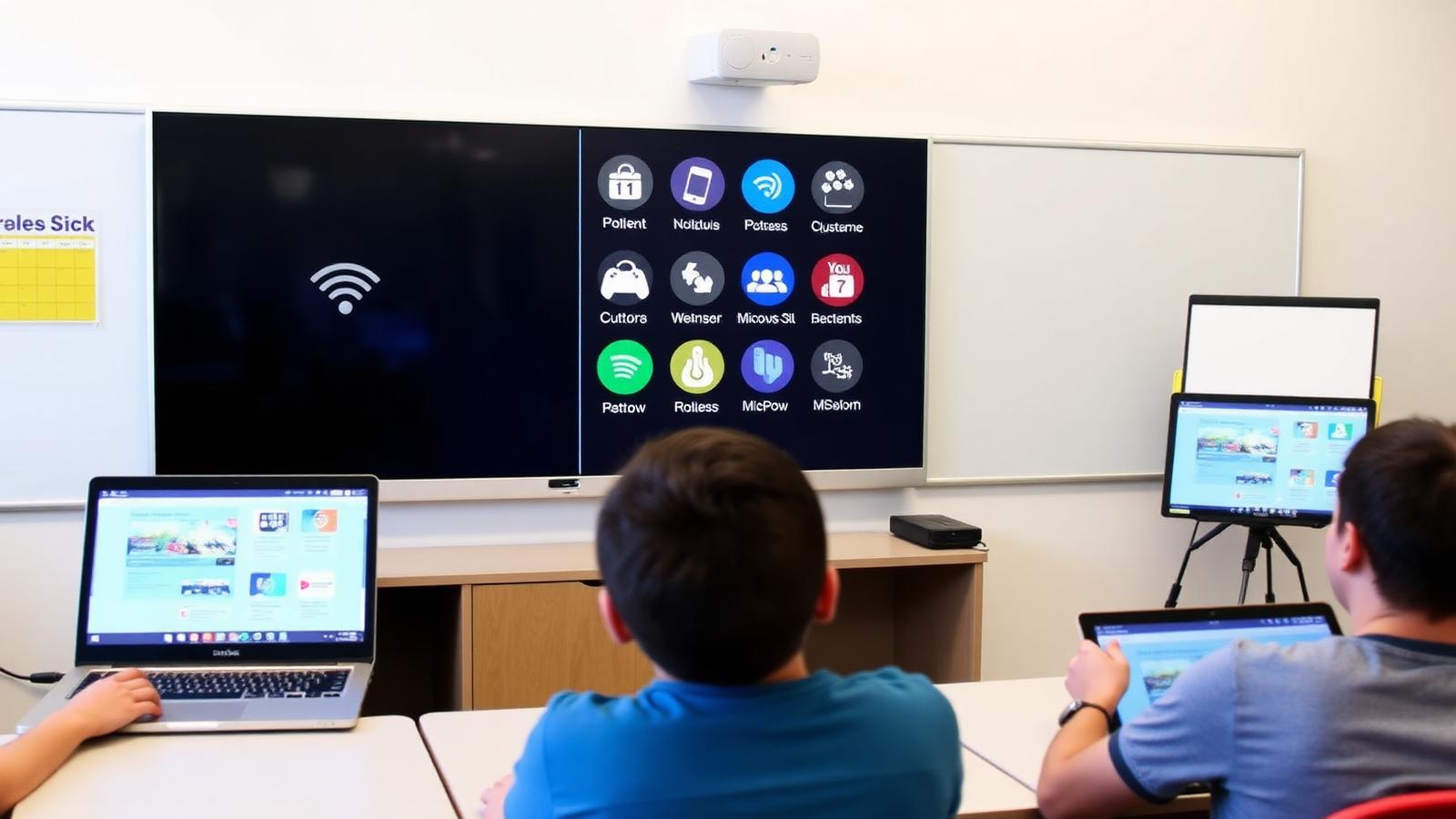
BYOD casting from any device with moderator controls and multi-source display.

©
Wireless BYOD presentation

Wireless Presentation

A focused motion preview for wireless presentation within CaesarTechs' education av portfolio.

©
In-depth overview

A closer look at wireless presentation.

BYOD casting from any device with moderator controls and multi-source display.

Within CaesarTechs' education av practice, wireless presentation is engineered as a full stack — from source and processing to display, control, acoustics, network, and power. Every decision is made against the room, venue, or environment it operates in, so the finished system feels intentional rather than assembled from a parts list.

Our classroom technology teams pair proven manufacturer partners with in-house design and commissioning. That means the wireless presentation you sign off in concept is the wireless presentation you get in the field: color-matched, calibrated, and documented, with a clear service path after handover.

Projects typically move through discovery, concept design, technical design, procurement, installation, commissioning, and support. At each stage you get a named point of contact, a working prototype or mock-up when it matters, and change control that protects both budget and schedule.
What we design
  • Wireless Presentation concept, sightlines, and viewing geometry
  • Education AV product selection with brand comparison
  • Signal flow, control, and network architecture
  • Structural mounting, power, cooling, and service access
  • Content, UX, and operator workflow
  • Commissioning, calibration, and acceptance testing
Typical use cases
  • Enterprise HQ wireless presentation
  • Retail & hospitality wireless presentation
  • Public venues & landmarks
  • Government & mission-critical
  • Broadcast, sports & entertainment
  • Education, healthcare & training
©
CaesarTechs Education standard

Any device, on screen, in seconds — without adapters, drivers or a cable on the teaching desk.

©
How it works

From survey to a room teachers can actually use.

1Step

Join

A device joins the room over the campus network or a dedicated presentation SSID.

2Step

Request

The presenter requests the screen; the moderator can approve or queue it.

3Step

Present

Content is displayed, optionally alongside up to three other sources.

4Step

Release

The session ends automatically when the presenter leaves the room.

©
Products & systems

What goes into the room.

Category-level specifications with the features, the teaching benefit and the integration path — the detail procurement and consultants ask for.

Wireless presentation system in an education environment
Classrooms, seminar rooms, faculty meeting rooms, training suites.

Wireless presentation system

Room receiver supporting laptop, tablet and mobile casting with moderator control.

  • BYOD casting from laptop, tablet and mobile
  • Multi-source split display
  • Moderator approval and queueing
  • Enterprise network and certificate support
Benefit
Lesson changeovers stop costing five minutes of cable hunting.
Integration
Placed on the campus network with IT-approved security policy and room-control switching.
©
Casting simulator

Put devices on screen — with the moderator in control.

Add and remove sources to see how the room arbitrates the display. Moderation is the setting most institutions ask us to enable by default.

Teacher laptop

1 source on screen · moderator approval required

©
Application scenarios

Where this is deployed.

Student presentations

Four groups queued and switched without anyone touching the panel.

Guest lecturer

An external device presenting under moderator approval, with no campus account.

©
System architecture

The signal chain, end to end.

Documented as-built for every room family, so campus IT and facilities can support the estate without calling the integrator first.

Laptop / tablet / mobileCampus networkRoom receiverDisplayRoom control
Network design agreed with campus IT: VLAN, discovery and firewall rules documented
Security model chosen per institution — PIN, certificate or SSO
Receiver firmware standardised and version-locked across room families
©
Supporting brands

Technologies behind the classroom.

Education deployments are built on CaesarTechs' represented portfolio — Samsung and JCV displays with approved audio, control and processing partners.

All CaesarTechs brands →
Samsung logo
JC Vision logo
ITC TECH logo
Fohhn logo
Extron logo
Crestron logo
Barco logo
©
Continue in Education

More from classroom technology.

All Education AV pages →
©

Plan your wireless presentation rollout.

Share your room schedule and CaesarTechs will return a room-family specification, drawings and a phased campus rollout plan.

©