Education AV · Lecture Halls & Auditoriums

Assistive Listening

IR, RF, and induction-loop systems for accessibility compliance.

©
Assistive listening systems

Assistive Listening

A focused motion preview for assistive listening within CaesarTechs' education av portfolio.

©
In-depth overview

A closer look at assistive listening.

IR, RF, and induction-loop systems for accessibility compliance.

Within CaesarTechs' education av practice, assistive listening is engineered as a full stack — from source and processing to display, control, acoustics, network, and power. Every decision is made against the room, venue, or environment it operates in, so the finished system feels intentional rather than assembled from a parts list.

Our lecture halls & auditoriums teams pair proven manufacturer partners with in-house design and commissioning. That means the assistive listening you sign off in concept is the assistive listening you get in the field: color-matched, calibrated, and documented, with a clear service path after handover.

Projects typically move through discovery, concept design, technical design, procurement, installation, commissioning, and support. At each stage you get a named point of contact, a working prototype or mock-up when it matters, and change control that protects both budget and schedule.
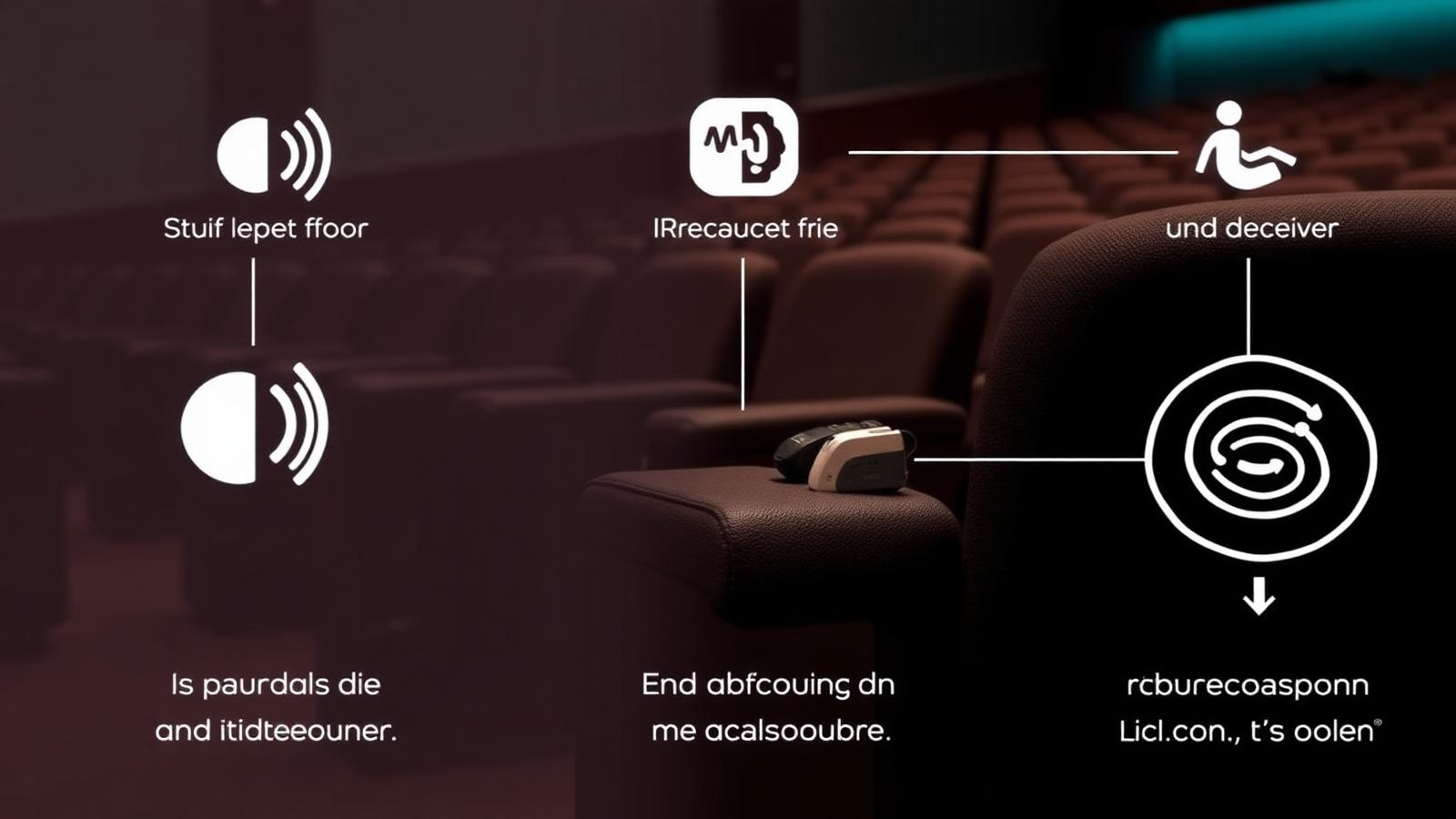
What we design
  • Assistive Listening concept, sightlines, and viewing geometry
  • Education AV product selection with brand comparison
  • Signal flow, control, and network architecture
  • Structural mounting, power, cooling, and service access
  • Content, UX, and operator workflow
  • Commissioning, calibration, and acceptance testing
Typical use cases
  • Enterprise HQ assistive listening
  • Retail & hospitality assistive listening
  • Public venues & landmarks
  • Government & mission-critical
  • Broadcast, sports & entertainment
  • Education, healthcare & training
©
CaesarTechs Education standard

Accessibility engineered into the room design — coverage verified, not declared.

©
How it works

From survey to a room teachers can actually use.

1Step

Assess

Room type and occupancy determine whether IR, RF or an induction loop is appropriate.

2Step

Design

Loop layout or emitter coverage is planned against the seating area.

3Step

Install

Loop cable or emitters installed with the room's audio feed taken from the DSP.

4Step

Certify

Field strength or coverage is measured and documented at handover.

©
Products & systems

What goes into the room.

Category-level specifications with the features, the teaching benefit and the integration path — the detail procurement and consultants ask for.

Induction loop system in an education environment
Lecture theatres, auditoria, reception and examination halls.

Induction loop system

Loop driver and cable providing direct audio to hearing aids with a T-coil.

  • Direct hearing-aid compatibility
  • Perimeter or phased array layouts
  • Field-strength commissioning
Benefit
Hearing-aid users receive the lesson directly, with no extra device to collect.
Integration
Fed from the room DSP so it always carries the same mix as the loudspeakers.
IR / RF assistive listening in an education environment
Retrofit rooms, exam halls, multi-purpose spaces.

IR / RF assistive listening

Emitter and receiver packs for rooms where a loop is impractical or confidentiality is required.

  • Receiver packs with neck loops or headphones
  • Contained coverage for exam confidentiality
  • Multi-channel operation
Benefit
Accessible listening in rooms where loop installation is not viable.
Integration
Charging and issue process handed to campus facilities with documented procedure.
©
Interactive room lab

Size the image and the coverage from the back row.

Enter the room and CaesarTechs derives the minimum image height, an equivalent diagonal and the loudspeaker count for even coverage — the same first-pass model our engineers use on site.

Minimum image height
2.33 m
Analytical viewing (depth ÷ 6)
Detailed-content height
3.50 m
Dense text or CAD (depth ÷ 4)
Equivalent 16:9 diagonal
153"
Nearest standard size rounds up
Loudspeakers for even coverage
6
Distributed layout, first pass
At 14 m deep, 24 pt source text needs at least a 2.33 m image height to stay legible from the last row. CaesarTechs verifies this on site before the display technology is fixed.
©
Application scenarios

Where this is deployed.

Auditorium

Loop coverage across the full seating area with certified field strength.

Retrofit classroom

IR coverage where structural steel makes a loop unreliable.

©
System architecture

The signal chain, end to end.

Documented as-built for every room family, so campus IT and facilities can support the estate without calling the integrator first.

Room DSPLoop driver / emitterCoverage areaReceiver / hearing aid
Technology chosen from the building fabric, not from a catalogue default
Coverage measured and documented for accessibility compliance
Same source mix as the main loudspeakers, verified at commissioning
©
Supporting brands

Technologies behind the classroom.

Education deployments are built on CaesarTechs' represented portfolio — Samsung and JCV displays with approved audio, control and processing partners.

All CaesarTechs brands →
Samsung logo
JC Vision logo
ITC TECH logo
Fohhn logo
Extron logo
Crestron logo
Barco logo
©
Continue in Education

More from lecture halls & auditoriums.

All Education AV pages →
©

Plan your assistive listening rollout.

Share your room schedule and CaesarTechs will return a room-family specification, drawings and a phased campus rollout plan.

©