
Wireless collaboration made simple.
Professional wireless presentation and conferencing solutions for meeting rooms of every size — specified, deployed and supported through the CaesarTechs ecosystem.
©Barco ClickShare
Wireless collaboration for modern meeting rooms.
Present. Conference. Collaborate. Wirelessly.
Four ways to equip the room.
ClickShare Conference units let a laptop use the room's camera, microphones, speakers and display wirelessly, on the meeting platform the user already opened.
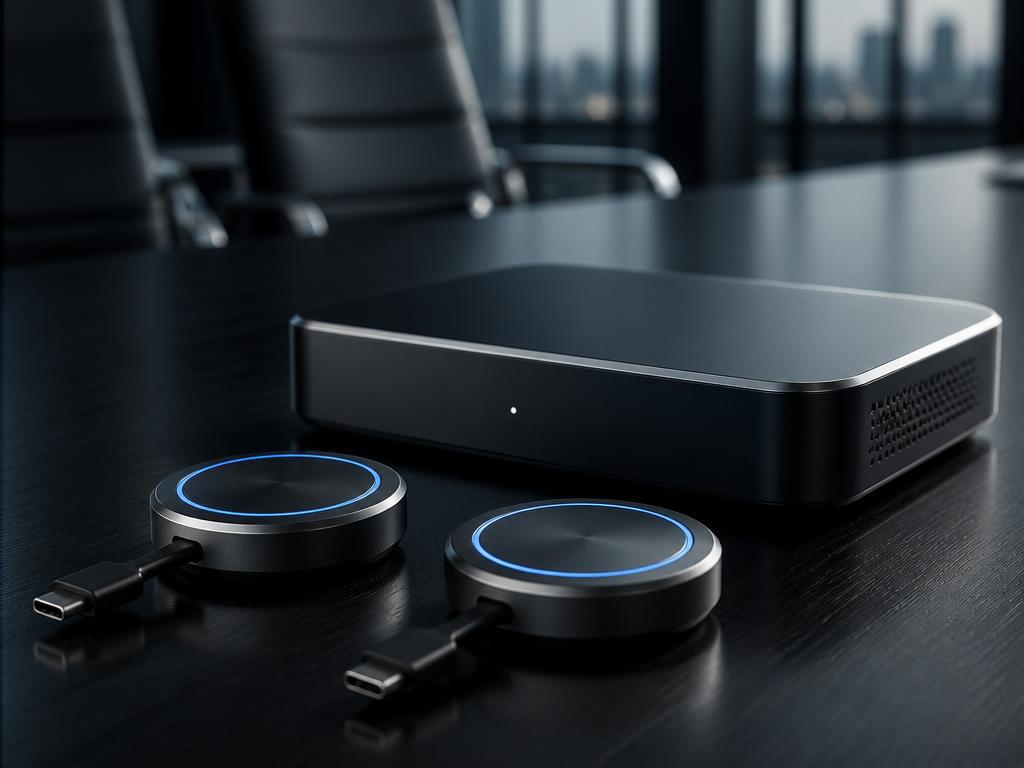
Flagship conferencing unit for boardrooms: highest performance of the CX line, dual-display capable per configuration, premium USB peripheral handling.
- Room size
- Medium to large boardrooms and executive rooms
- Main use
- Flagship wireless conferencing unit
- Wireless presentation
- Yes
- Wireless conferencing
- Yes
- USB peripherals
- Room camera, microphones and speakers over USB
- Display support
- Dual display capability confirmed per configuration
- Connectivity
- Wired network, Wi-Fi, HDMI, USB
- Warranty
- Barco standard warranty — extended coverage quoted per project
- Availability
- Confirmed on request with CaesarTechs
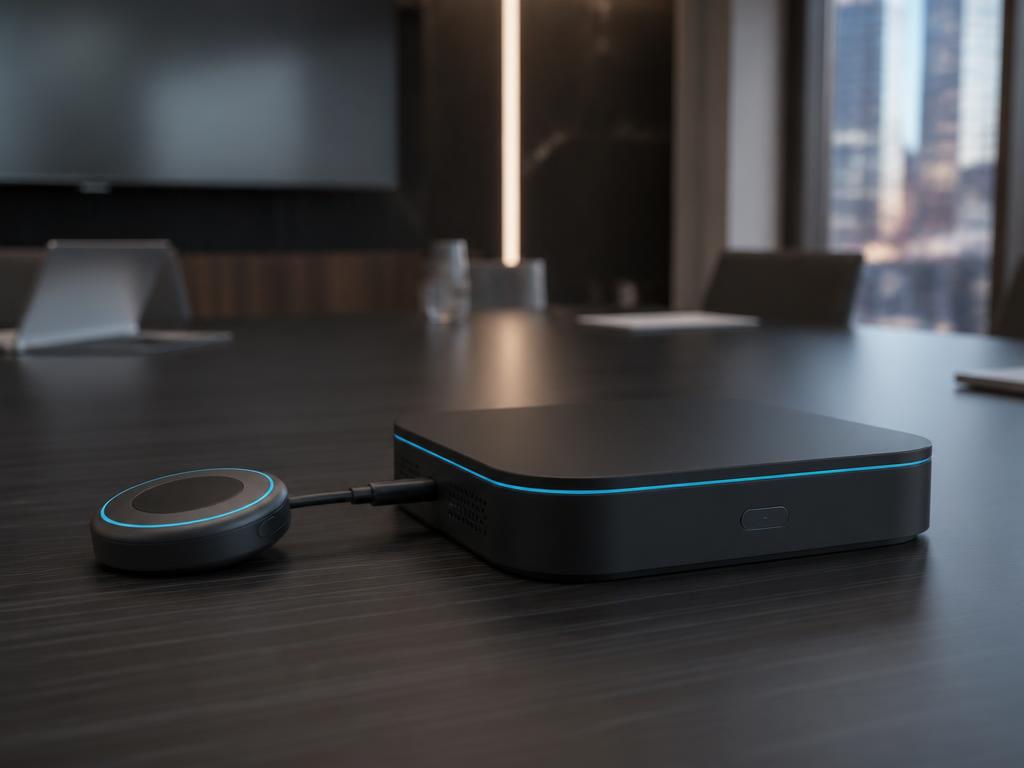
Wireless conferencing for standard meeting rooms — laptop takes the room camera, microphones and speakers on Teams, Zoom or Webex.
- Room size
- Small to medium meeting rooms
- Main use
- Wireless conferencing for standard meeting rooms
- Wireless presentation
- Yes
- Wireless conferencing
- Yes
- USB peripherals
- Room camera, microphones and speakers over USB
- Display support
- Single room display
- Connectivity
- Wired network, Wi-Fi, HDMI, USB
- Warranty
- Barco standard warranty — extended coverage quoted per project
- Availability
- Confirmed on request with CaesarTechs
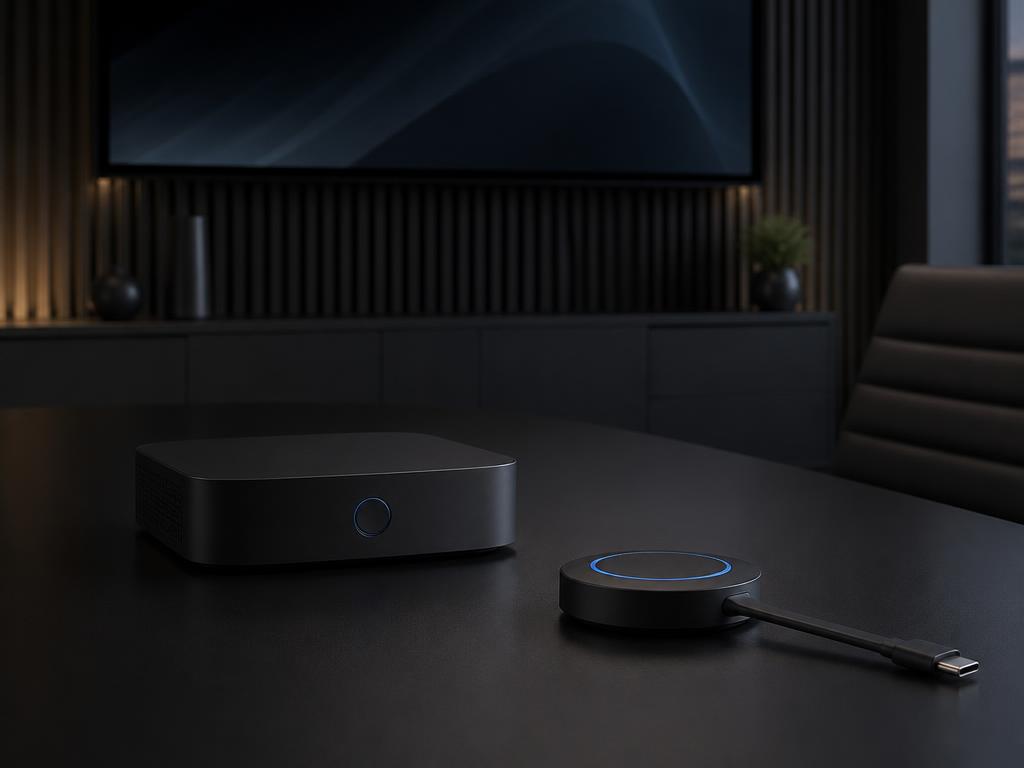
Entry wireless conferencing for huddle rooms — one Button, one display, one compact USB camera or speakerphone.
- Room size
- Huddle and small meeting rooms
- Main use
- Entry wireless conferencing
- Wireless presentation
- Yes
- Wireless conferencing
- Yes
- USB peripherals
- Compact room camera and speakerphone over USB
- Display support
- Single room display
- Connectivity
- Wired network, Wi-Fi, HDMI, USB
- Warranty
- Barco standard warranty — extended coverage quoted per project
- Availability
- Confirmed on request with CaesarTechs
Button. App. Control Panel.
The USB-C Button pairs a laptop with the room in seconds — no software install, no network onboarding, no cables to the display.
The desktop and mobile app shares content and joins the room experience where the room and network configuration support it.
The Control Panel adds a room-side touch interaction point to the ClickShare ecosystem, alongside the Button and the App.
Compare ClickShare — up to three models.
| Specification | ClickShare CX-50 2nd Generation | ClickShare CX-30 | ClickShare CX-20 |
|---|---|---|---|
| Room type | Medium to large boardrooms and executive rooms | Small to medium meeting rooms | Huddle and small meeting rooms |
| Wireless presentation | Yes | Yes | Yes |
| Wireless conferencing | Yes | Yes | Yes |
| Connected peripherals | Room camera, microphones and speakers over USB | Room camera, microphones and speakers over USB | Compact room camera and speakerphone over USB |
| Display support | Dual display capability confirmed per configuration | Single room display | Single room display |
| Connectivity | Wired network, Wi-Fi, HDMI, USB | Wired network, Wi-Fi, HDMI, USB | Wired network, Wi-Fi, HDMI, USB |
| Recommended use | Flagship wireless conferencing unit | Wireless conferencing for standard meeting rooms | Entry wireless conferencing |
Comparison reflects published Barco positioning. Exact ports, resolutions and firmware-dependent features are verified against the current datasheet before quotation.
©Which ClickShare do I need?
ClickShare Conference units let a laptop use the room's camera, microphones, speakers and display wirelessly, on the meeting platform the user already opened.
- ClickShare CX-50 2nd Generation
- ClickShare CX-30
- ClickShare CX-20
- • Wireless conferencing lets any laptop use the room's camera and audio on Teams, Zoom or Webex.
Build your ClickShare room.
Fixed wide-angle USB cameras with speaker framing for huddle and small rooms.
Pan-tilt-zoom cameras for boardrooms, training rooms and multi-camera spaces.
- Beamforming ceiling microphones
- Table and boundary microphones
- USB speakerphones
- Video-bar microphone systems
- USB audio interfaces and DSP
ClickShare Conference works with compatible meeting-room audio and video equipment; the exact device list is confirmed per room.
- USB cameras
- PTZ cameras
- Auto-framing cameras
- Video-bar cameras
Build my ClickShare room.
Barco products are labelled as Barco. Everything else is a compatible product from the CaesarTechs portfolio — compatibility is verified by our presales engineers before it reaches a quotation.
Co-branded ClickShare catalog.
The full line-up in one dark, cinematic PDF — every model with its visual, technical positioning, room fit, the comparison matrix and the CaesarTechs delivery scope. Carrying both the CaesarTechs identity and the Barco Bronze Partner seal.
Work with your meeting platform.
Platform behaviour depends on the room configuration and the user's own laptop session. No exclusivity is implied.
©See wireless conferencing running in a real room at our Riyadh Experience Center.
- Product training
- Technical installation training
- Wireless conferencing workshop
Delivered by CaesarTechs engineers. Barco-certified programmes are announced only where officially authorised.
Wireless collaboration. Designed around the room.
Understand → compare → configure → ask SAM → book a demo → request a quote. Delivered and supported through the CaesarTechs ecosystem.